17
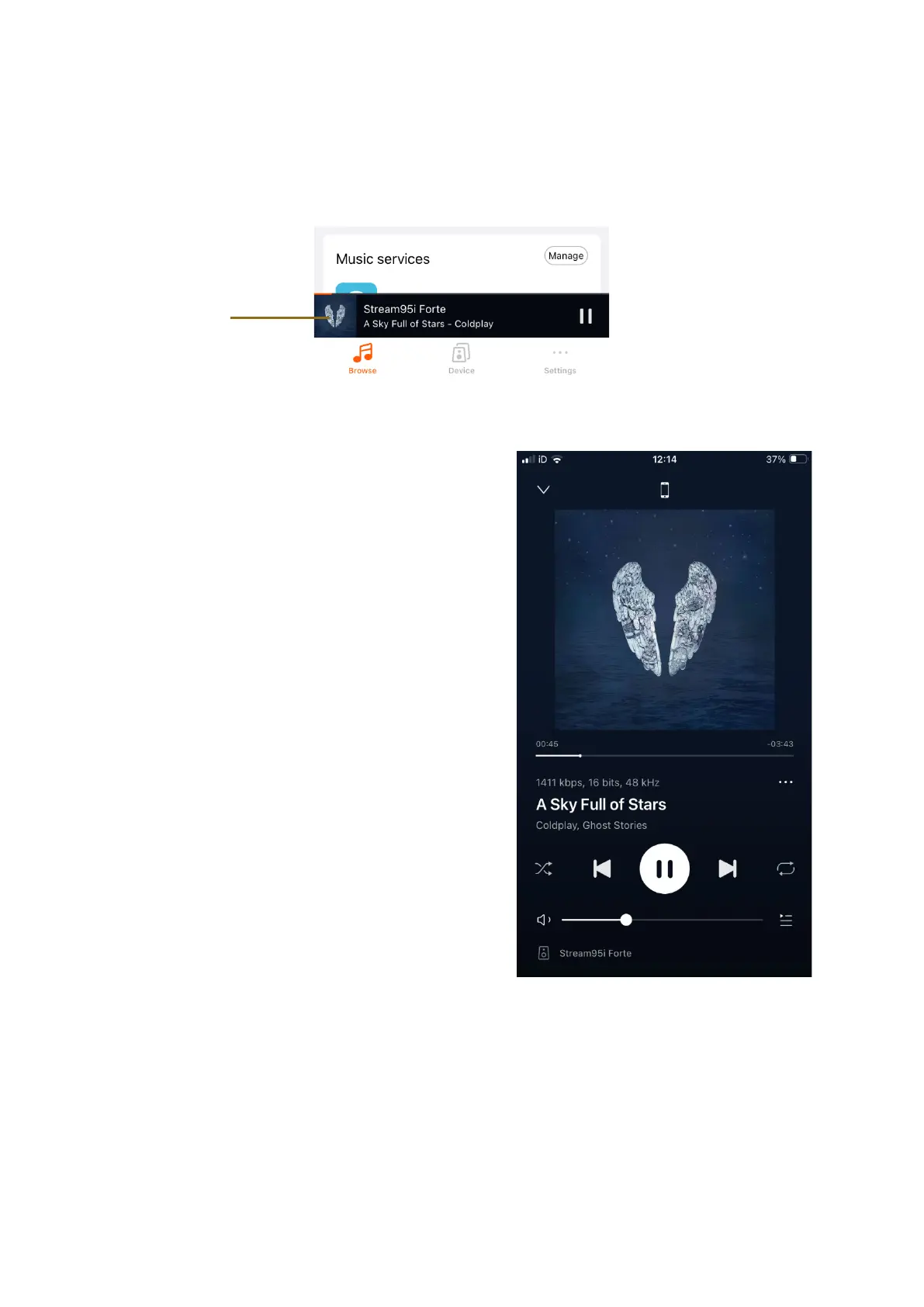
Now Playing
View the audio currently being played through the app selecting on the Now
Playing page.
From this screen, you can:
1. Check the audio source at the top
centre of the screen
2. Play/Pause and skip forward/ back
the audio stream
3. Change Volume
4. Add to favourites and playlist if
listening to your library of music.
5. Set as a Preset within Preset Content
if listening to music services
6. Set the song as an alarm from your
music services
7. Set Sleep timer to stop audio at a
specified time















 To Next Page