28
Internet Radio .
Selecting your added stations - Internet mode
1. Press the Menu button to enter the main Internet Radio menu. Rotate
the Tuning/Select control until 'Station list' is selected on the display.
Press the Tuning/Select control to select.
2. Rotate the Tuning/Select control until 'My Added Stations' is selected
on the display. Press the Tuning/Select control to select.
3. Rotate the Tuning/Select control and press the Tuning/Select control
to confirm your chosen radio stations. The display will show connecting
while it finds a new station.
Should you be unable to connect to a particular station, please note that
some radio stations do not broadcast 24 hours per day, and some stations
are not always on-line.
In addition, as mentioned on page 26, it is possible to specify audio streams
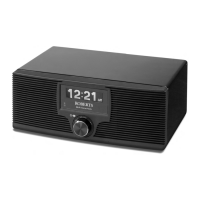
for 'My added stations' which are not compatible with your radio. The Roberts
WM-202 can only play MP3, WMA and Real Audio streams.
1-3
1
WM-202 iss 1.indd 29 20/02/2008 13:03:49


 To Next Page
 Loading...