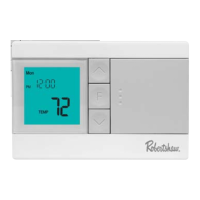
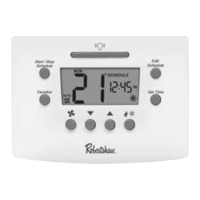
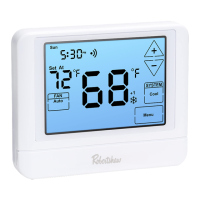
Quick Set up Guide Android and Apple Platforms
Pro-Series
Step 5 Step 6 Step 7 Step 8
Select Heat or Cool to adjust
temperatures.
Tap the Fan icon on the bottom
menu to select Fan mode.
Tap More icon on the bottom menu
for More Settings.
Using Your Thermostat (RS10420T)
Technical Service 800.445.8299
To select control mode tap
Heat icon.


 To Next Page
 Loading...