Day&Night IP Camera
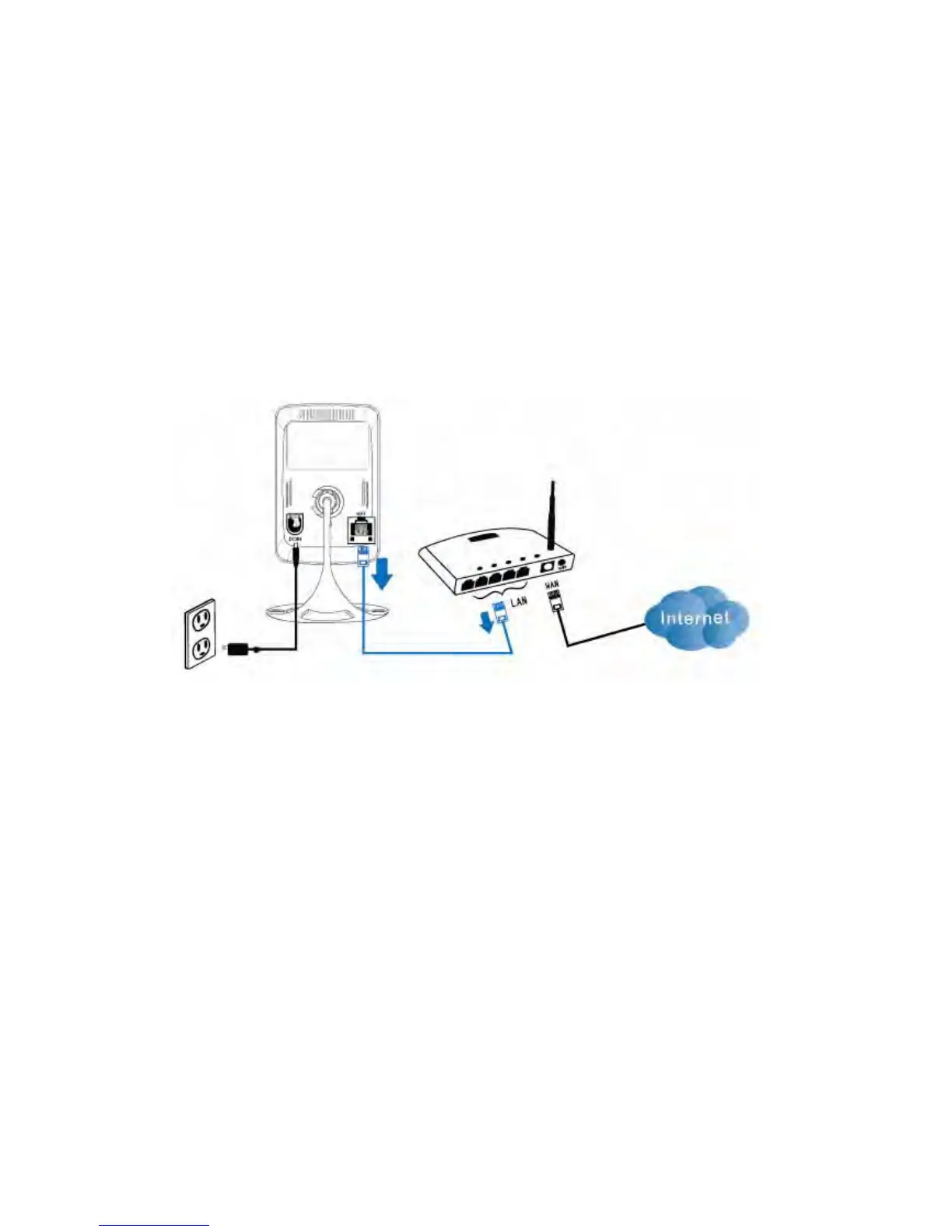
If the WiFi test is successful, you can then enable the WiFi connection by
unplugging the Ethernet cable from the IP CAM. The IP CAM will detect the Ethernet
cable unplugged condition and start the WiFi connection. After the WiFi is connected,
the IP CAM will connect to the Internet immediately.
Notice :
1. Please remember that the WiFi connection will use a different IP address, you will
need to do the “Auto Search” function in the PC Software again to find the IP CAM
again after the WiFi is connected.
2. If you want to switch back to the wired Ethernet connection, just plug in the
Ethernet cable into the IP CAM again. Do not need to disable the WiFi function on
the web pages.
Figure 2-9: Unplug the Ethernet cable to enable the WiFi function
15


 To Next Page