Day&Night IP Camera
3. Web congurations
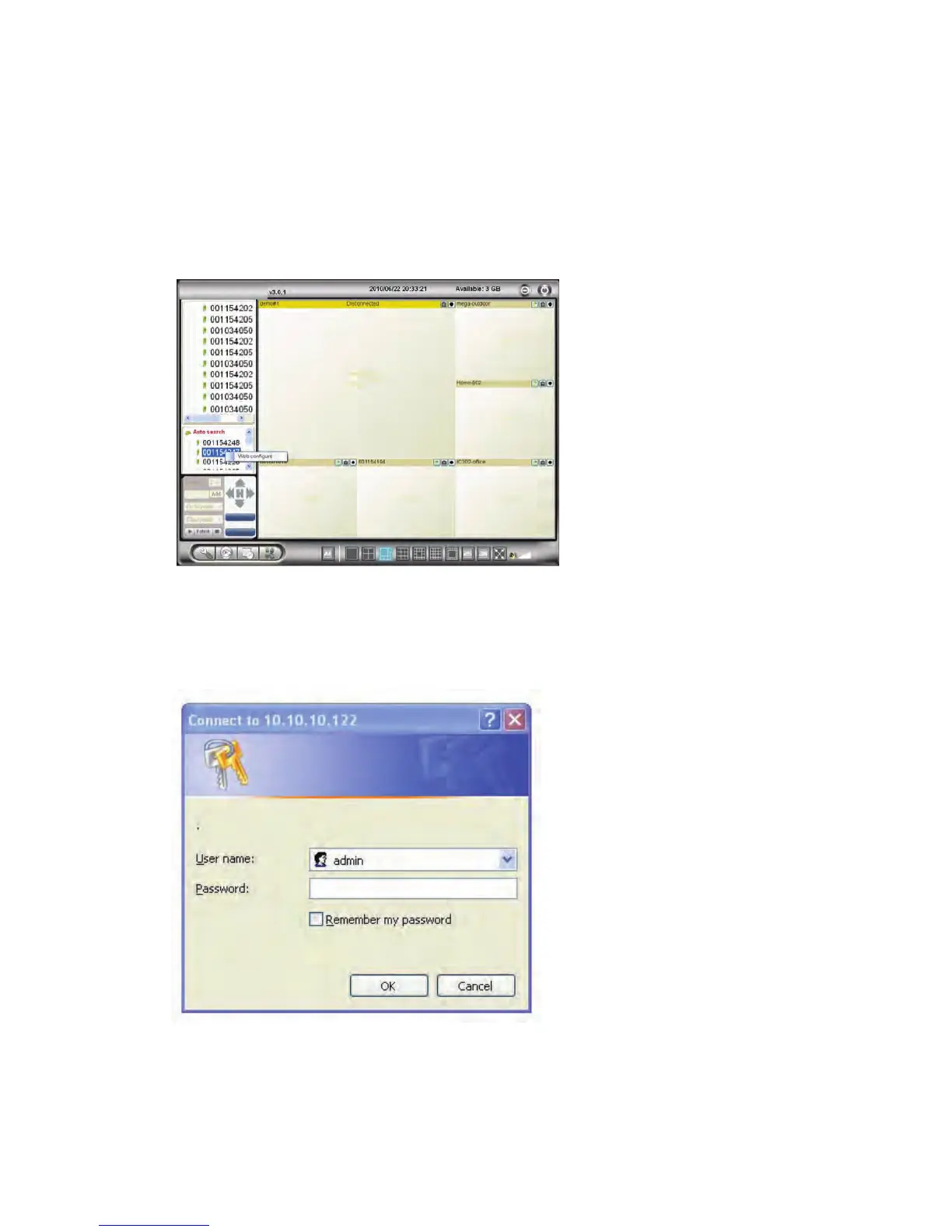
You can login into the web conguration page by directly key-in the IP address of
the IP CAM or right-click the searched IP CAM in the “Auto Search” list of the PC
s oftware and click the “Web Congure” to open the login window of the IP
CAM.
Figure 3-1: Open the web conguration page from PC software
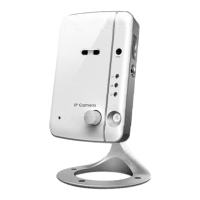
The default login account is “admin”, leave the Password eld empty.
Figure 3-2: IP CAM Web conguration login page
16


 To Next Page