Day&Night IP Camera
3.16. Admin
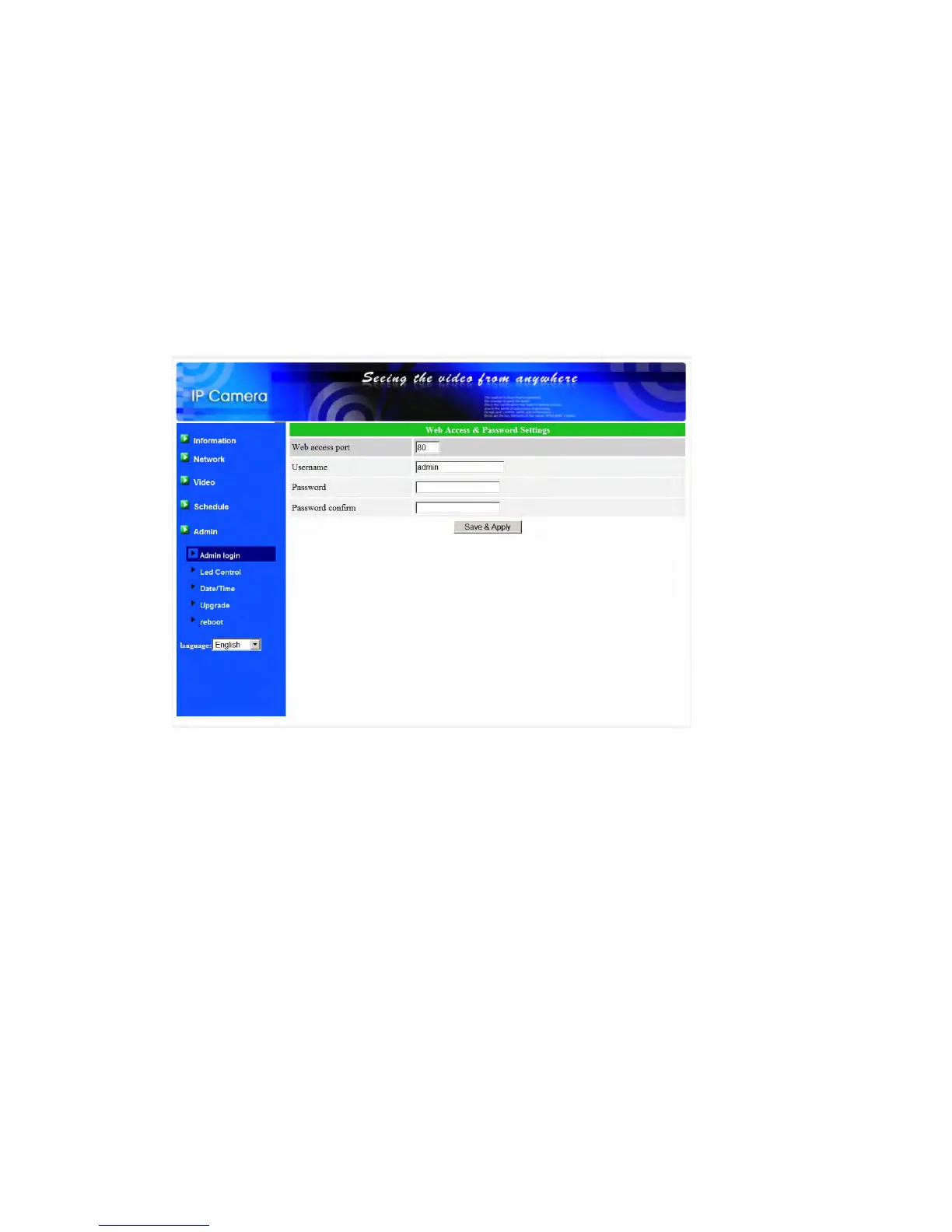
In this page, you can modify the web login account. With this account, you can
login to the IP CAM and do any modifications. The default account is “admin” without
password. If the login account is forgotten, you can reset the IP CAM to the factory
default settings by following the steps in section 3.19 and login with the “admin”
account.
Please note that this account is different from the video play password in
the “Video settings” page.
Figure 3-24: Admin settings page
41


 To Next Page