Day&Night IP Camera
3.14. Led Display Control
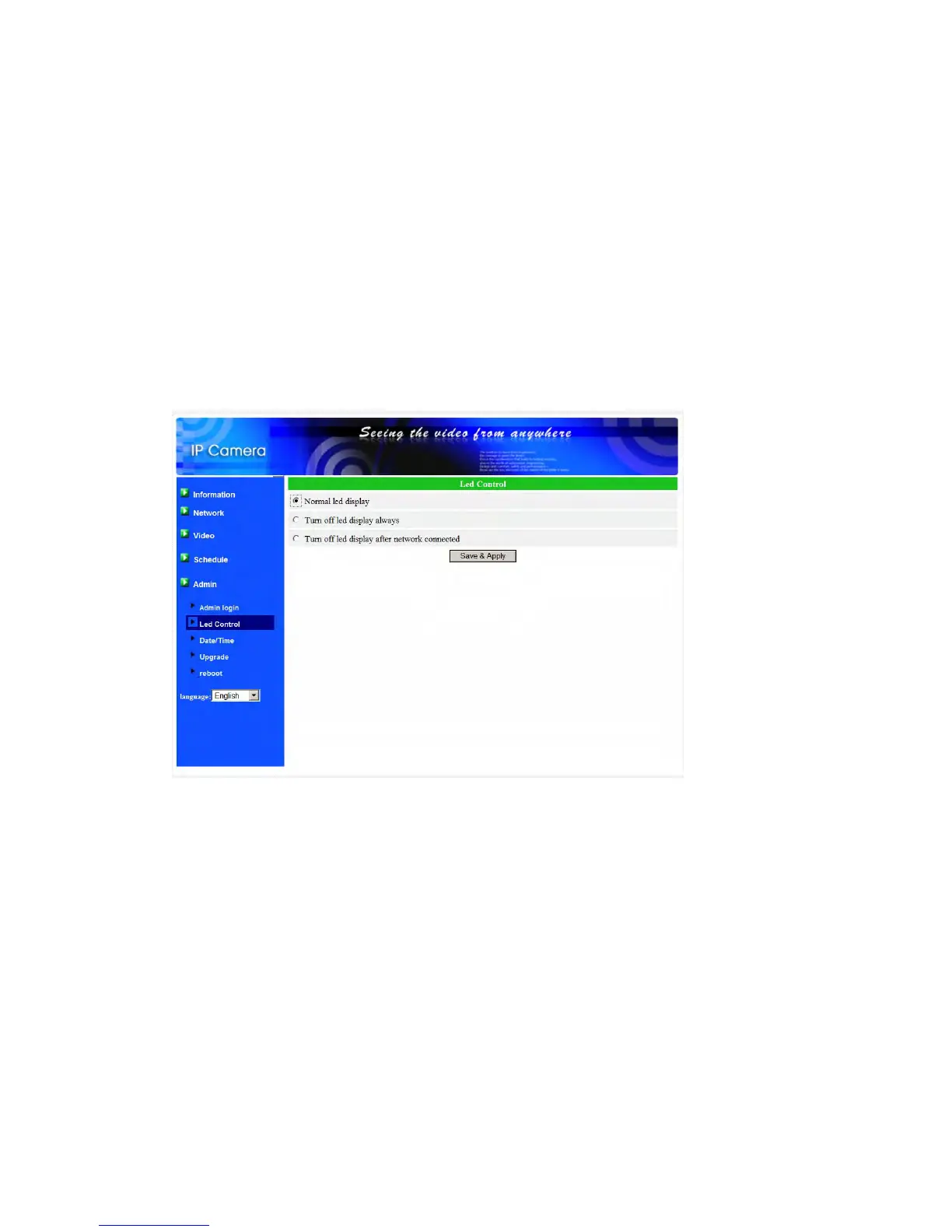
The IP CAM provides the Led Display Control function, you can enable or disable
the led display/indication on the front panel of the IP cam device. The related settings
are explained below:
1. Normal led display – select this to enable the status led and ethernet led display.
2. Turn off led display always – select this to disable the status led and ethernet led
display.
3. Turn off led display after network connected – select this then the led will display
when the Internet connection has some problem, the led display will be off when
the Internet connection is successful.
Figure 3-22: Led Control settings page
39


 To Next Page