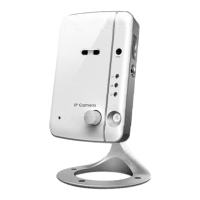
Day&Night IP Camera
Figure 3-29: Stick the reset button to set to the factory default
Figure 5-1: The IP camera body
Figure 5-2: Power Adaptor
Figure 5-3: Quick installation guide
Figure 5-4: Ethernet cable
Figure 5-5: Anchors and Screws
Figure 5-6: Allen Key Or Screw driver
Figure 5-7: Installation CD
Figure 5-8: ID/Password Card
Table A-1: List of tested Wireless AP/router devices
Table A-2: List of tested Wired NAT/router devices
5


 To Next Page