EasyManua.ls Logo

Robopac SPIROR HP 400 - User Manual

Robopac SPIROR HP 400
95 pages
Print Icon
To Next Page IconTo Next Page
Loading...
USE AND MAINTENANCE MANUAL
ENG
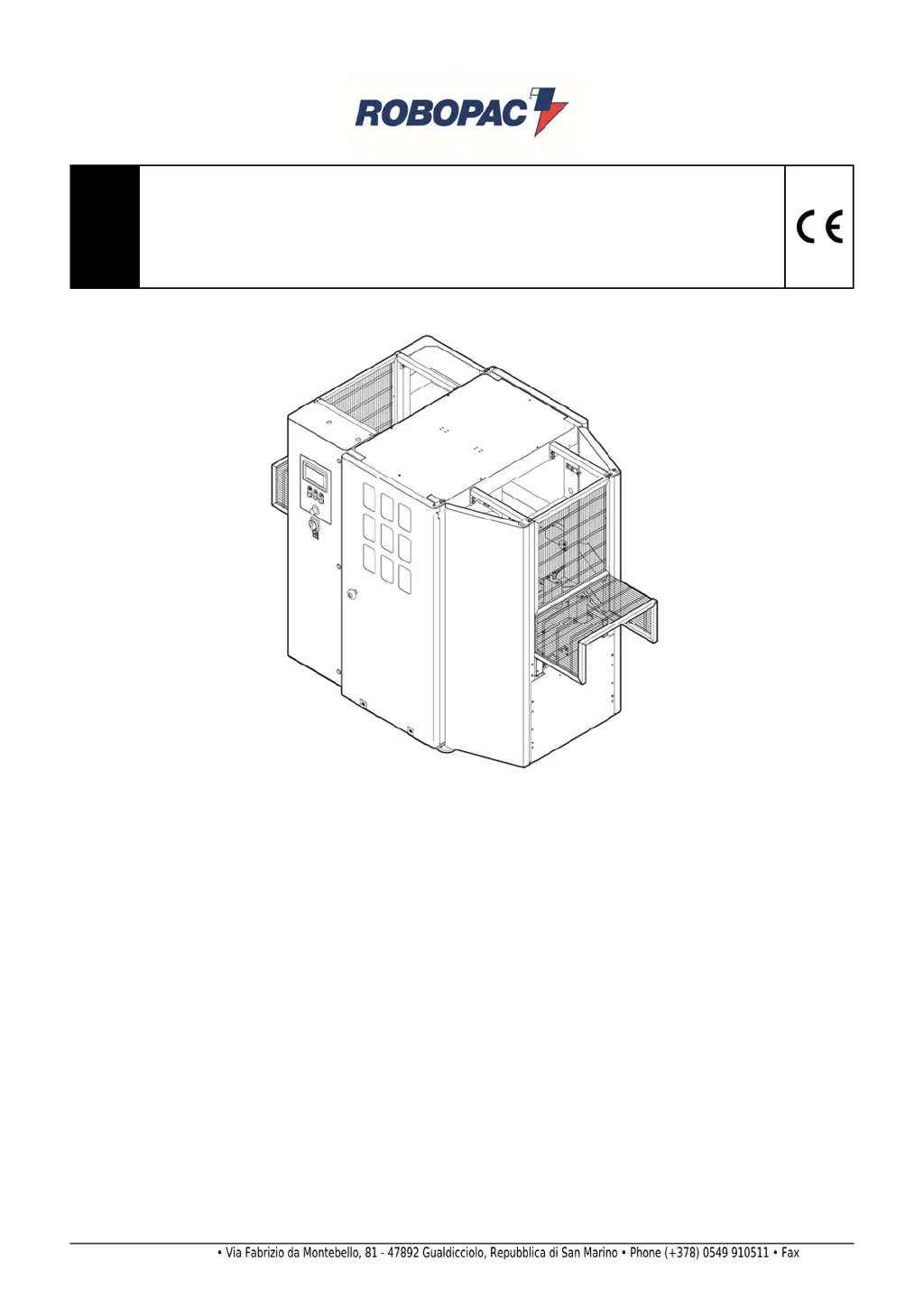
Automatic rotating ring wrapping machine with single (HP) or double (DR) plastic
film reel
SPIROR HP - DR
Translation of the original instructions
Code:
3709303158.0
Edition:
0917
____________
SERIAL NUMBER
____________
A
TTENTION
Read and understand these instructions before using the machine.
Keep this handbook for further consultation.
ROBOPAC S.p.A.

Table of Contents

Questions and Answers

  • J
    Joshua JensenAug 31, 2025
    What to do if Robopac SPIROR HP 400 displays E50 WARNING “BUS CAN OPEN COMMUNICATION ALARM”?
    • R
      Robin EvansAug 31, 2025
      If the Robopac Packaging equipment displays an E50 WARNING “BUS CAN OPEN COMMUNICATION ALARM”, it means The PLC can’t gather information from the CAN OPEN hubs. Check the BUS connection on the modules and on the PLC.
  • C
    Cody BrownAug 30, 2025
    What to do if Robopac SPIROR HP 400 displays E01 EMERGENCY ALARM MUSHROOM BUTTON PRESSED?
    • B
      Brent Orozco DDSAug 30, 2025
      If the Robopac Packaging equipment displays an E01 EMERGENCY ALARM because the MUSHROOM BUTTON is PRESSED, reset the button and then press the Reset button.
  • D
    David ThompsonAug 29, 2025
    What to do if Robopac Packaging equipment displays E61 PRODUCT OUTFEED PHOTOCELL ALARM?
    • A
      Andrew BlankenshipAug 29, 2025
      If the Robopac Packaging equipment displays an E61 PRODUCT OUTFEED PHOTOCELL ALARM, it means that the photocell detects that the product is not in the correct position or that the reflector is not properly aligned. To resolve this, remove the product or align the photocell with the reflector.
  • T
    Thomas RiceAug 28, 2025
    What to do if Robopac SPIROR HP 400 displays E60 PRODUCT INFEED PHOTOCELL ALARM?
    • A
      Alyssa RobersonAug 28, 2025
      If the Robopac Packaging equipment displays an E60 PRODUCT INFEED PHOTOCELL ALARM, it means that the photocell detects that the product is not in the correct position or that the reflector is not properly aligned. To resolve this, remove the product or align the photocell with the reflector.
  • S
    Stephen WilliamsonAug 27, 2025
    What to do if Robopac Packaging equipment displays E10 PROTECTION COVER OPEN ALARM?
    • D
      Debbie SmithAug 27, 2025
      If the Robopac Packaging equipment displays an E10 PROTECTION COVER OPEN ALARM, it means the protection cover is open or there is a limit switch malfunction. To resolve this, close the cover and press the Reset button. Alternatively, if the limit switch is malfunctioning, replace the power switch.
  • M
    Michelle MedinaAug 27, 2025
    What to do if Robopac SPIROR HP 400 displays E30 FAULT INVERTER OVERLOAD?
    • J
      Joseph WalkerAug 27, 2025
      If the Robopac Packaging equipment displays an E30 FAULT INVERTER OVERLOAD, it indicates an error with the inverter. To address this, check the alarm on the inverter display and refer to the technical manual.
  • S
    Susan UnderwoodAug 25, 2025
    What to do if Robopac Packaging equipment displays E02 “AIR LACK” ALARM?
    • M
      Mercedes WrightAug 26, 2025
      If the Robopac Packaging equipment displays an E02 “AIR LACK” ALARM, this is due to a faulty pressure switch or a lack of air in the plant. Check the pressure switch or reactivate the air supply to resolve this.
  • C
    Carmen WiseAug 25, 2025
    What to do if Robopac SPIROR HP 400 displays E64 "FILM RUPTURE" Alarm?
    • C
      Carol SmithAug 25, 2025
      If the Robopac Packaging equipment displays an E64 "FILM RUPTURE" Alarm, it means the film has broken or the reel is empty. To fix this, insert a new film or replace the reel.

Summary

SAFETY INFORMATION

General Safety Precautions

General safety rules for using the machine, including attention to warnings and safety devices.

Employer Obligations

Defines the employer's responsibilities regarding operator training and safety.

Handling and Installation Safety

Safety guidelines for handling, loading, unloading, and installing the machine.

Use and Operation Safety

Safety rules for operating the machine, including training, proper use, and maintenance.

Appropriate Machine Use

Specifies the intended use of the machine for wrapping stable products.

Foreseeable Improper Use Warnings

Lists prohibited uses and products to avoid machine damage or accidents.

Residual Risks

Highlights inherent risks remaining after safety measures, requiring user awareness.

Regulations and Maintenance Safety

Safety guidelines for maintenance, regulations, and proper use of parts and lubricants.

Electrical Equipment Safety

Specifies ambient conditions and safety for the machine's electrical system.

TECHNICAL INFORMATION

Operation Cycle Description

Details the different wrapping cycles the machine can perform.

Total Wrapping Cycle

Explains the steps for performing a complete spiral wrap with head and tail turns.

Head-Tail Wrapping Cycle

Describes the process for wrapping only the head and tail of the product.

Complete Wrapping and Central Bands

Details the cycle for complete wrap with additional head/tail loops and reinforcement bands.

Head-Tail and Central Belts Wrapping

Explains the cycle for wrapping head and tail with spaced reinforcing bands.

Safety Device Descriptions

Describes the function of various safety devices installed on the machine.

Electrical Device Descriptions

Details the positioning and function of electrical components on the machine.

Technical Specifications

Presents technical data for Spiror HP and DR models.

Handling and Installation

Adjustments

Using the Machine

Operation and Use Recommendations

General advice for operating the machine safely and effectively.

Cycle Parameter Setting

How to set and compose wrapping cycle recipes.

Film Spool Loading

Step-by-step guide for loading the film spool onto the machine.

Film Insertion in Clamp

Procedure for inserting the film into the machine's clamp.

Cycle Start Procedure

Steps to initiate a wrapping cycle after preparation.

Emergency Stop Procedure

How to use the emergency stop button and restart the machine.

MAINTENANCE INFORMATION

Maintenance Instructions

General rules and precautions for performing maintenance tasks.

Routine Maintenance Intervals

Table detailing scheduled maintenance tasks and frequencies.

TROUBLESHOOTING

Operation Suggestions

Common operational problems and their solutions.

Alarm Messages

Lists displayed alarm messages, causes, and remedies.

SPARE PARTS INFORMATION

Replacing Parts Recommendations

General advice and safety precautions for replacing machine parts.

Robopac SPIROR HP 400 Specifications

General IconGeneral
BrandRobopac
ModelSPIROR HP 400
CategoryPackaging equipment
LanguageEnglish

Related product manuals