008
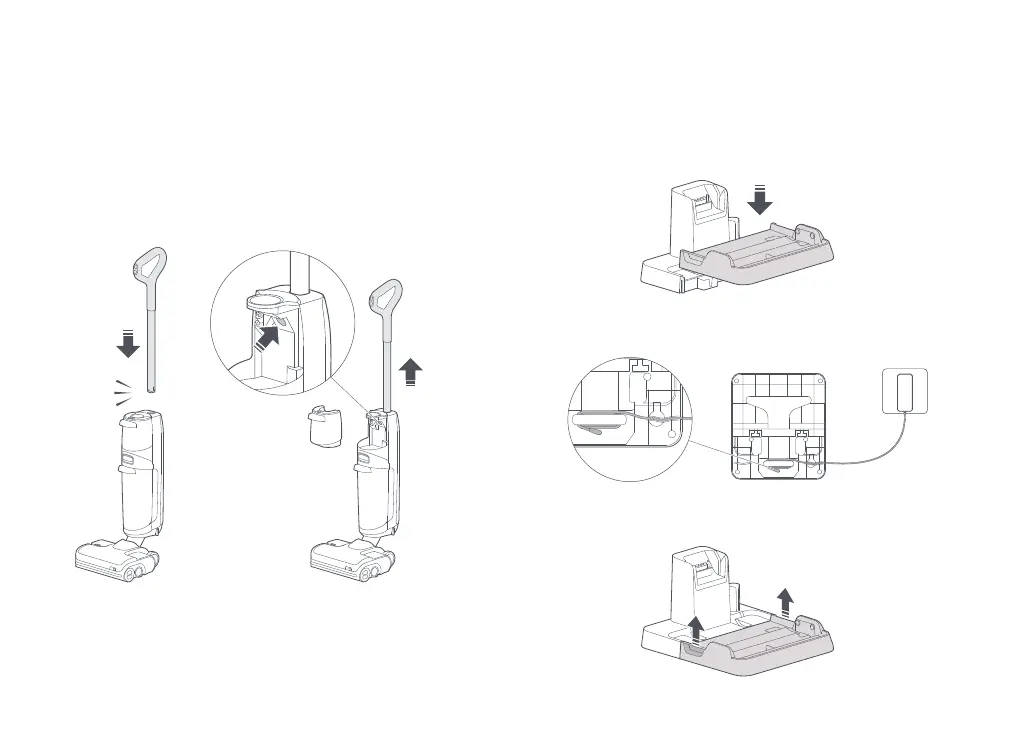
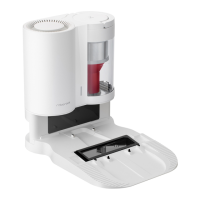
Charging Dock Installation
1. Align the charging dock tray with the charging dock body, press
down, making sure they are firmly secured.
2. Connect the power supply into the bottom of the charging dock
and plug it in. Power cable can exit from either side.
3. To disassemble the charging dock, grasp the side handles of
the tray and pull upward.
Product Installation
Setting Up the Vacuum Cleaner
1. Insert the handle into the vacuum body until it clicks in place.
The power button should face forward.
2. To remove the handle, remove the clean tank and then gently
pull the handle while pressing the release button on the
vacuum body.
Click
Insert
Remove
PressPress








 To Next Page