04
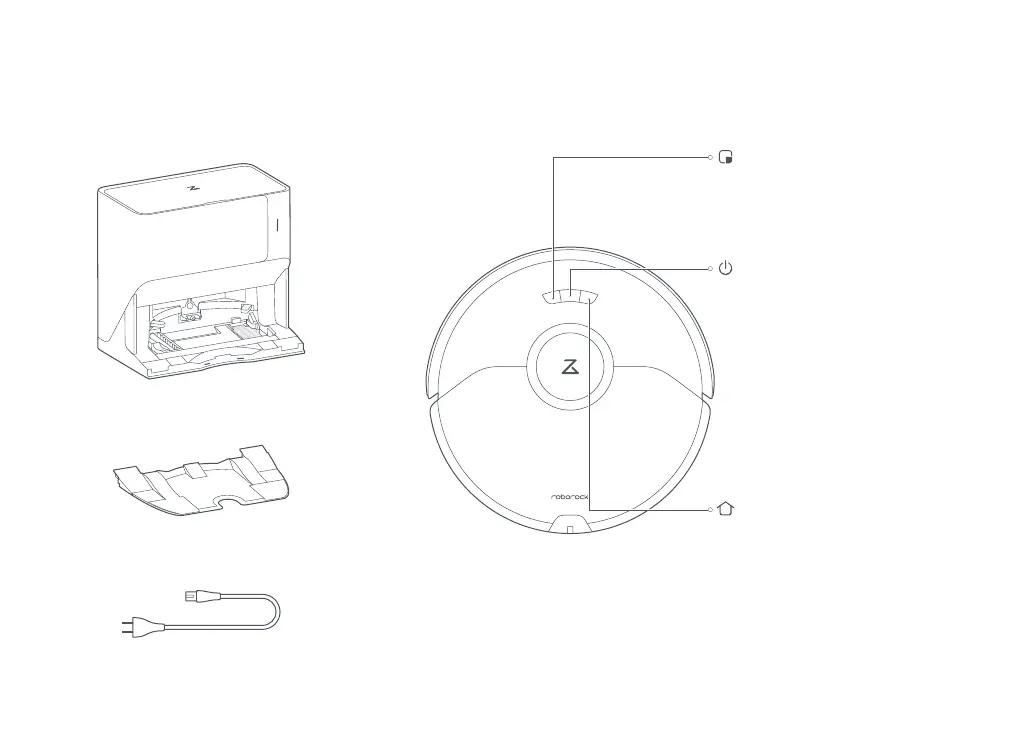
Accessories
Power Cable
Dock
Press any button to stop the robot during operation.Note:
• Press to start spot cleaning
• Press and hold for 3 seconds to
turn the child lock on or off
• Press to return to dock
• Press and hold to wash mop
• White: Battery level ≥ 20%
• Red: Battery level < 20%
• Breathing: Charging or starting up
• Flashing red: Error
Power Indicator
Spot Clean/Child Lock
Dock
Robot
• Press and hold to turn the
robot on or off
• Press to start cleaning
Power/Clean
Product Overview
Dock Base



 To Next Page