14
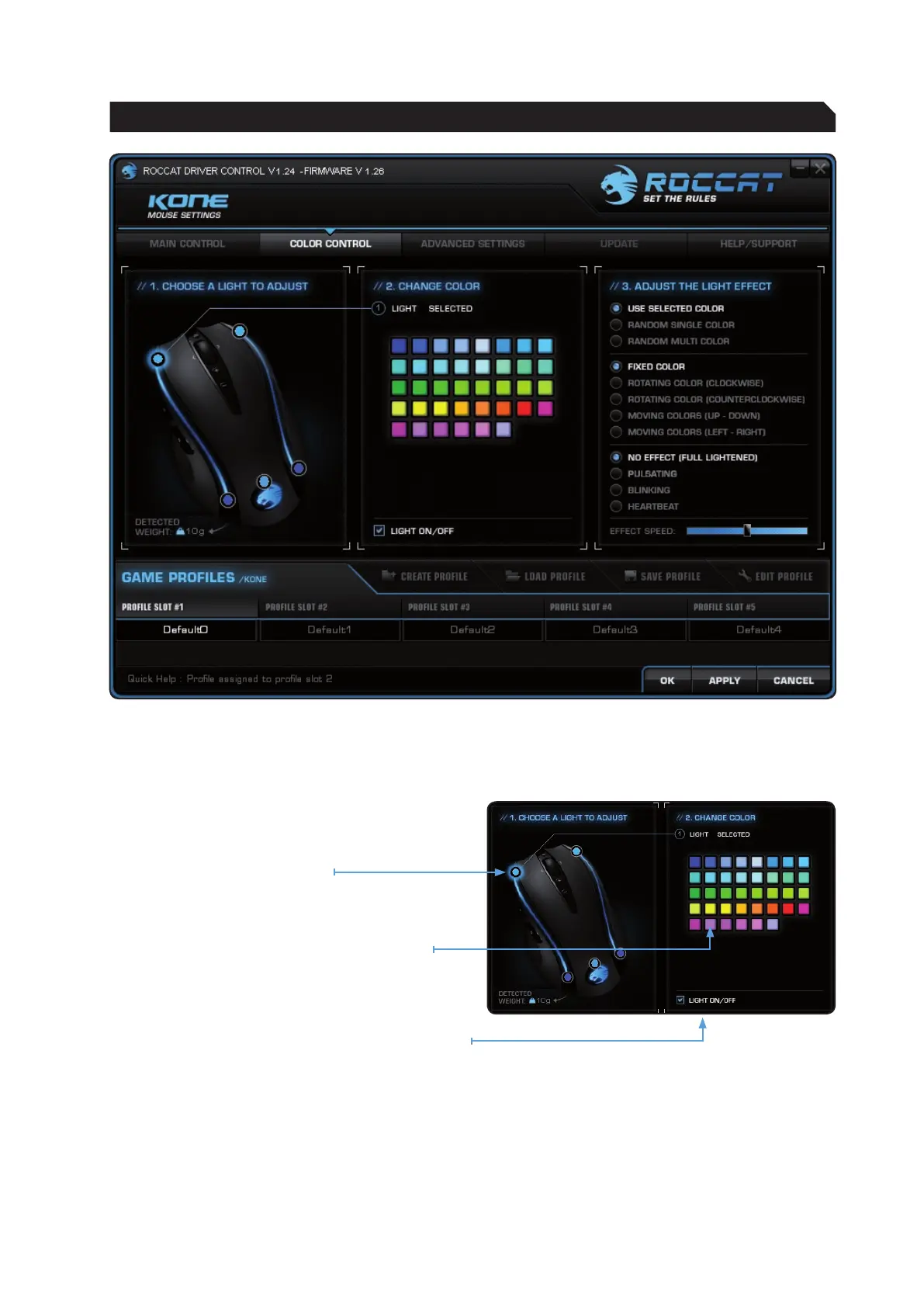
Choose a light to adjust
Five LEDs can be assigned 38 different colors.
Under ‘Change Color’ click one of the LEDs to
assign it a color of your choice.
Change Color
Click a color box to select the color you want.
Light On/Off
Here you can switch off the LEDs individually.
To do that, select the desired LED on the left-hand
side of the window and check the box ‘Light On/
Off’.
Note: You’ll need to switch off all 5 LEDs individually
if you want to switch all LEDs off.
COLOR CONTROL
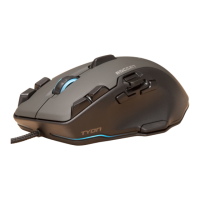
The sophisticated light system allows the ROCCAT™ Kone to light up in any color you like. Whether light
blue, dark blue, red or yellow – the variety of colors to choose from is vast. The mouse can light up in up
to five different shades at the same time.


 To Next Page