16
Rhythm
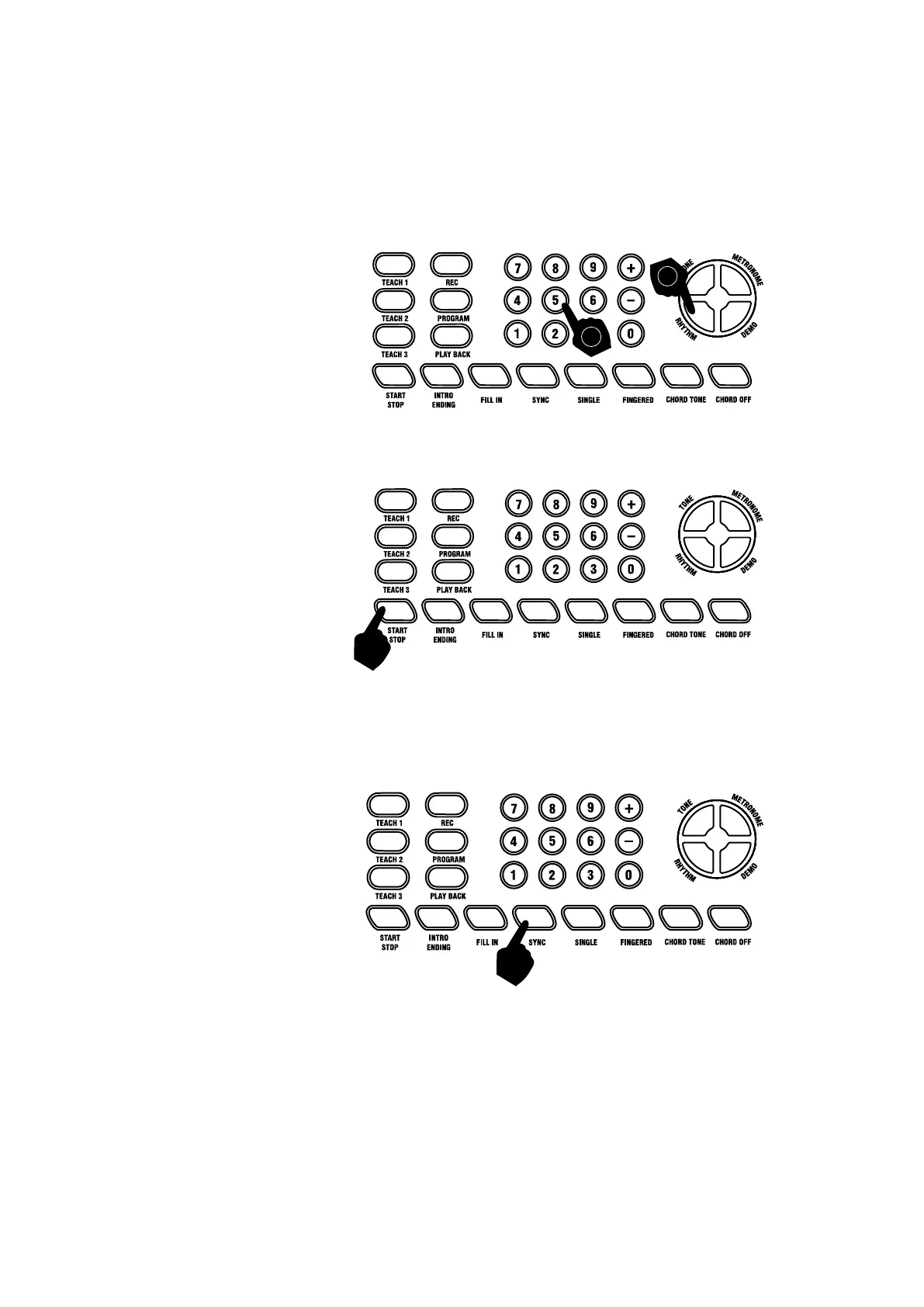
Selecting the rhythm:
You can choose from any of the 300 built in rhythms. Please refer to Appendix II. for the detailed rhythm
table. Touch the [RHYTHM] button to enter the rhythm selection function. The LCD display will show the
current rhythm number. You can select the rhythm you require by pressing the corresponding digits on the
numerical keypad or by pressing the + / - buttons.
Start / Stop:
With a rhythm selected, press the [Start/Stop] button to start or stop playing the chosen rhythm
Sync:
Touch the [SYNC] button to select the synchronised accompaniment function. Then press any of the first 19
keys on the left hand side of the keyboard to start the selected rhythm playing. Touch the [START /STOP]
button to stop the rhythm and exit the sync function.
2
1


 To Next Page