20
Recording Function
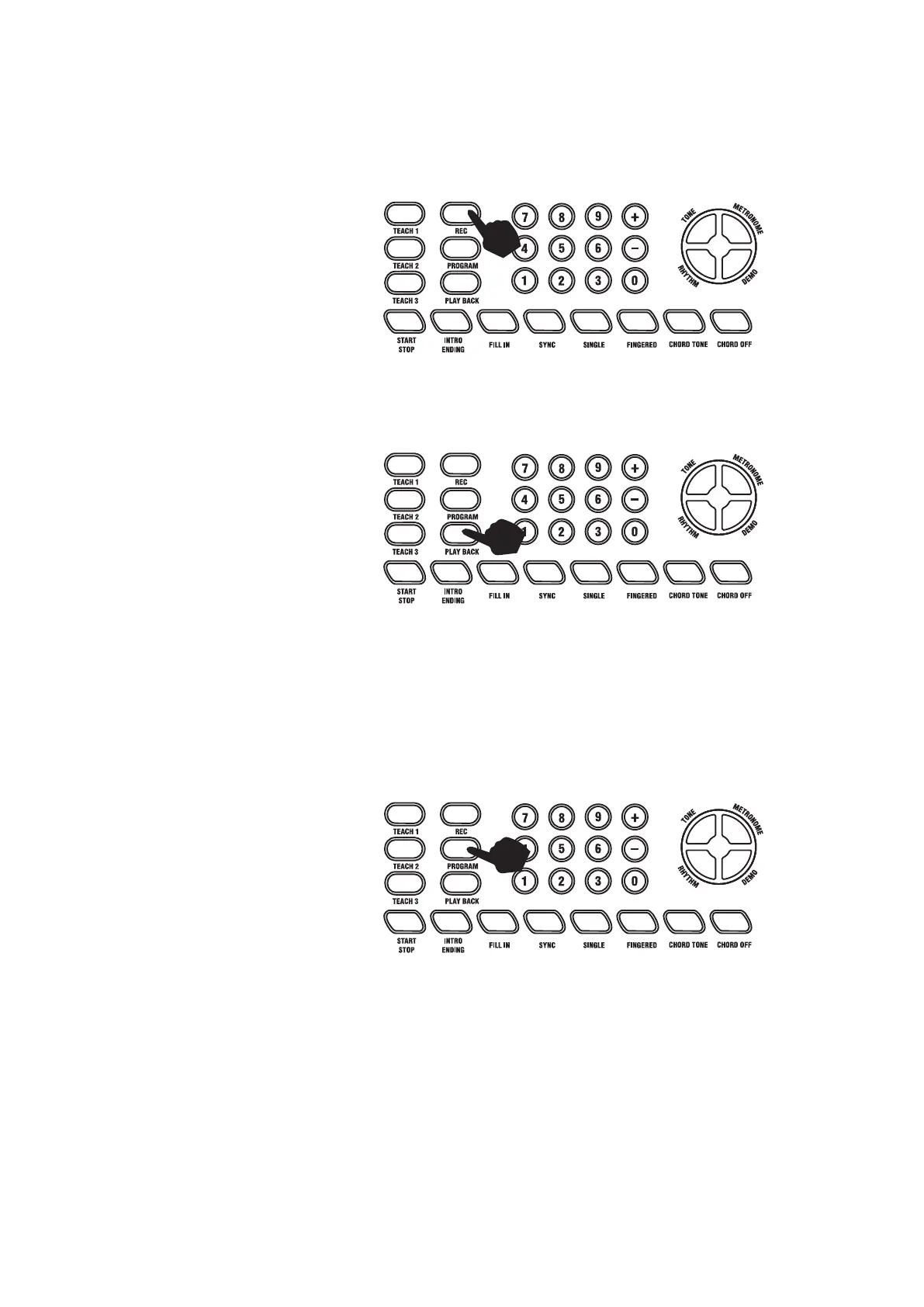
Touch the [REC] button to enter the recording mode. The LCD will show a flag on the left side to indicate
that recording mode is on. Press any key to start recording. The maximum recording capacity is limited to
118 notes. The LCD will display [Full] if the recording capacity is reached.
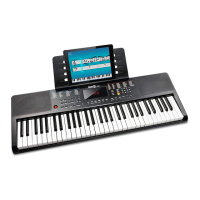
Touch the [PLAY BACK] button to play back the recorded notes.
Touch the [REC] button again to exit recording mode.
Rhythm Programming
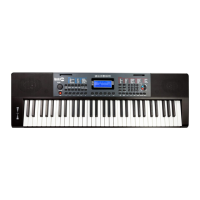
Press the [PROGRAM] button to activate the Rhythm program mode. The LCD will flag that the rhythm
program function is on. You can then play the keyboard and record a percussion track up to 32 beats. To
playback the track touch the [PLAY BACK] button. Adjust the speed of the playback using the [TEMPO
]
buttons. To cancel the Program mode, touch the [PROGRAM] button again.


 To Next Page