17
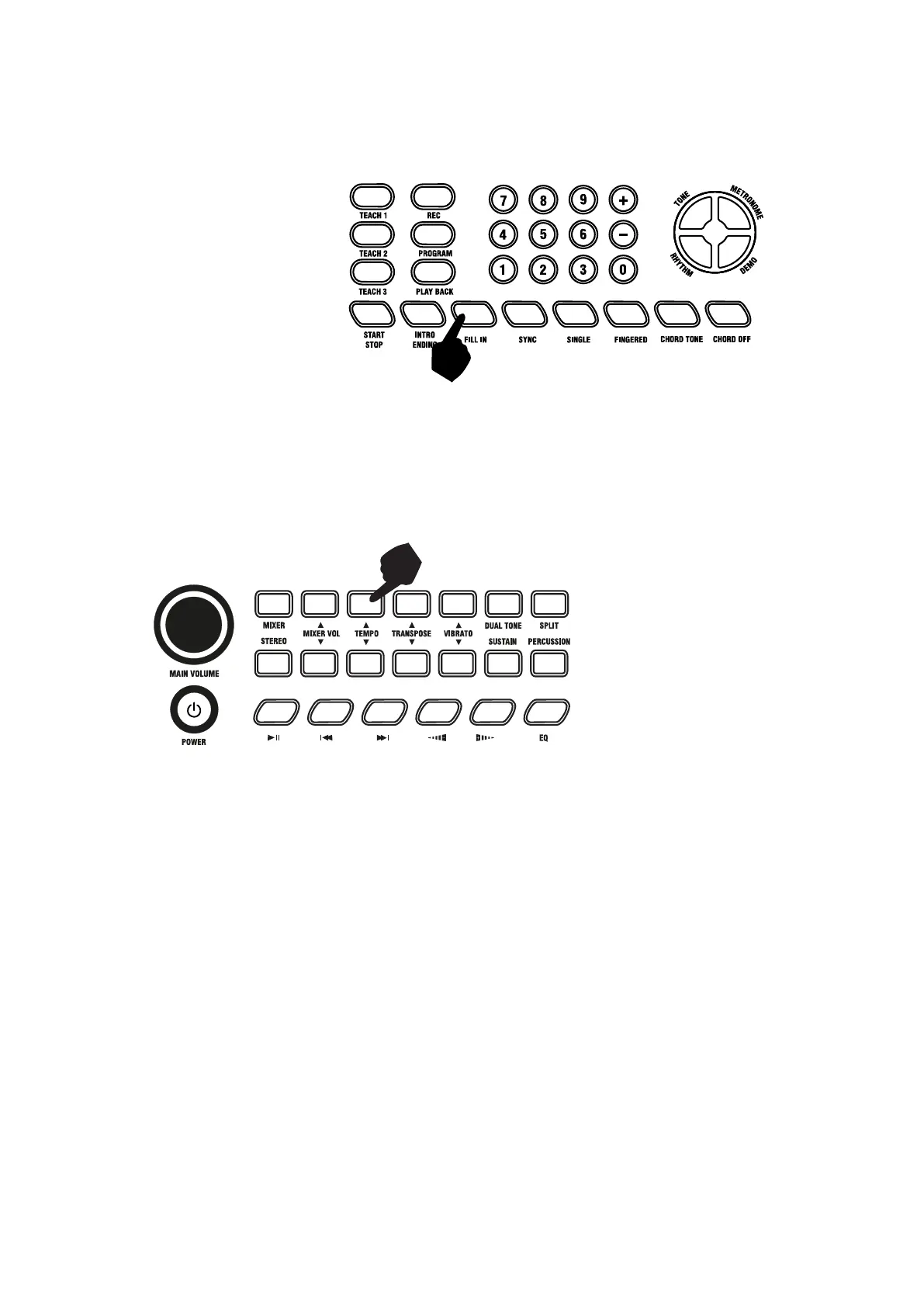
Fill in:
While playing a rhythm you can add a rhythmic fill if you touch the [FILL IN] button during playback. After
the fill-in section the rhythm will continue playing as normal.
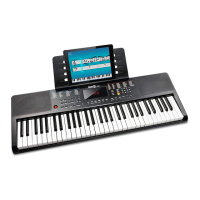
Tempo Adjustment:
Touch the [TEMPO ] buttons to adjust the tempo of the rhythm, metronome, or demo songs up or down.
Press and hold to adjust the tempo quickly. The adjustment range is 30-240 bpm. Pressing both the
[TEMPO] buttons at the same time will revert the tempo to the default tempo for the rhythm selected. At
power on the tempo will be rest to 120 bpm.


 To Next Page