Page | 17
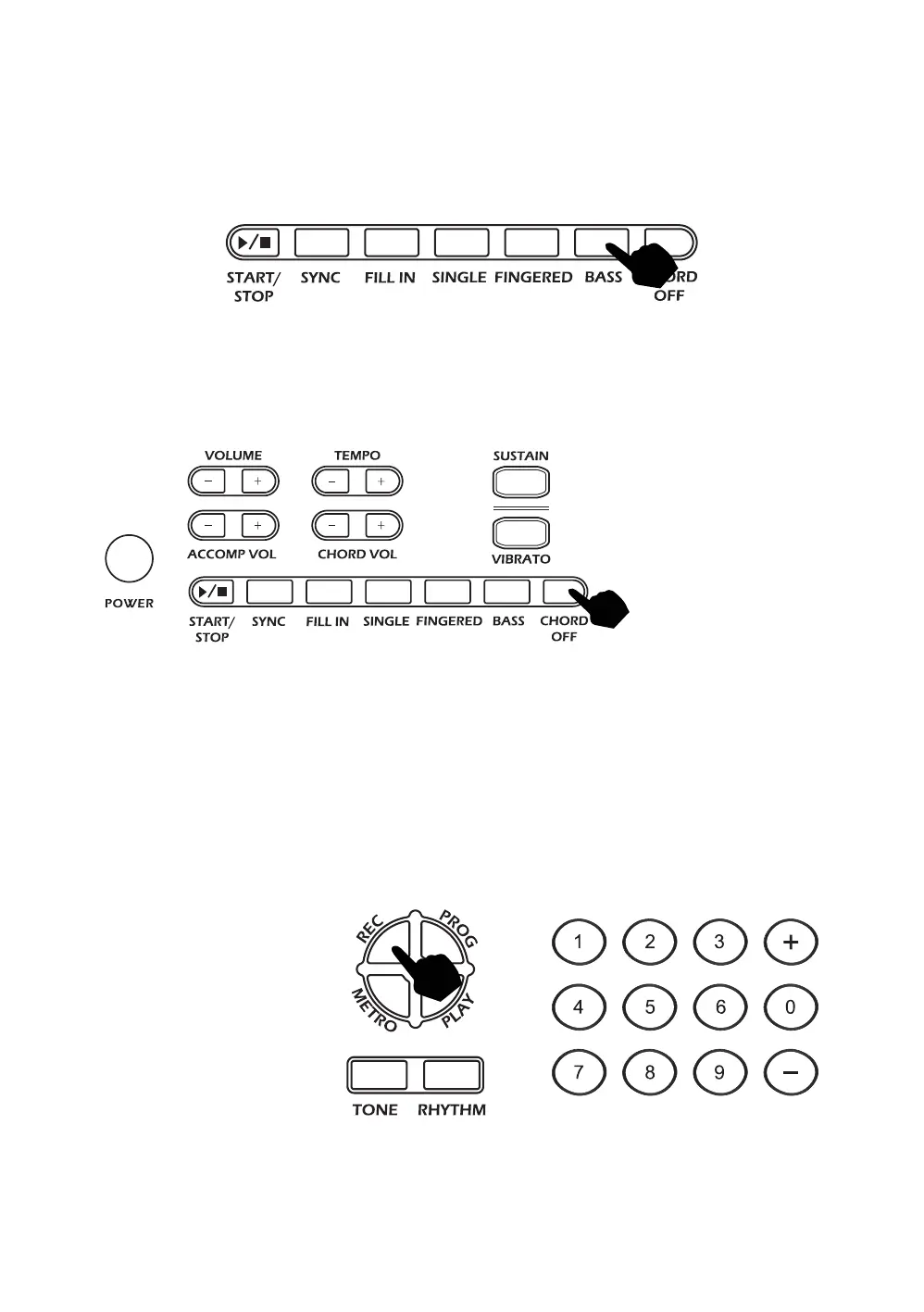
Bass Chord:
In either fingered or single finger chord mode, press the [BASS] button repeatedly to select the
desired chord tone. There are 7 bass chord tones to choose from, the bass chord tone is reset to [00] after
power off / on.
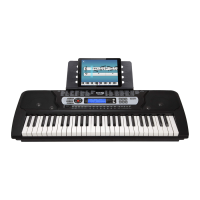
Chord Off:
During any chord mode press the [CHORD OFF] button to stop the chord accompaniment sound and exit
the chord mode. The rhythm will continue to play.
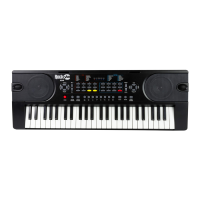
Recording Function
Touch the [REC] button to enter the recording mode. Press any key to start recording. The maximum
recording capacity is 46 individual notes. When the recording capacity is full the screen display will show
[FL or FUL]. Each time you touch the [REC] button, the previous memory will be cleared and the keyboard
will enter the recording mode again. Note: the keyboard will not record notes pressed at the same
time such as chords.



 To Next Page