30ROCSTOR‐ROCPRO850usermanual
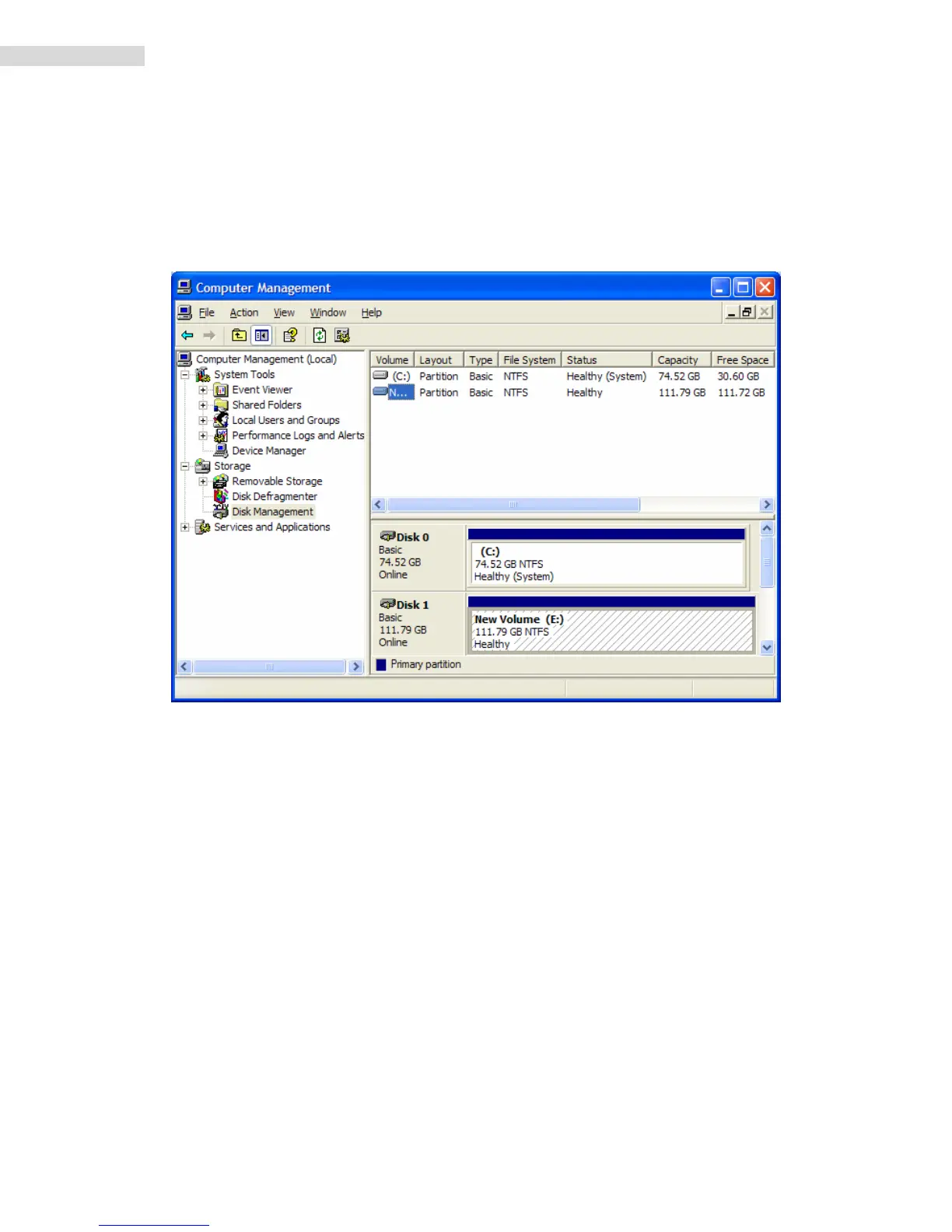
15. Youwillreturnautomaticallytothe“DiskManagement”windowandwillseethenewly
formattedRocstordiskonthescreenwiththenameyouselected.Ifnonewnamewas
enteredinthe“Volumelabel,”theRocstordrivewillshowupas“NewVolume.”To
renamethevolumeatthis
time,rightclick“NewVolume”andclick“Properties.”Youcan
nowchangethevolumenameupto11characters.ClickOK.
16. Youcanalsochangethenameatanytimeinthefuturebyreachingthe“Properties”menu
oftheRocstordrive.
17. YoucannowExitorclosetoreturntothedesktop.













 To Next Page