Performance Basics
27
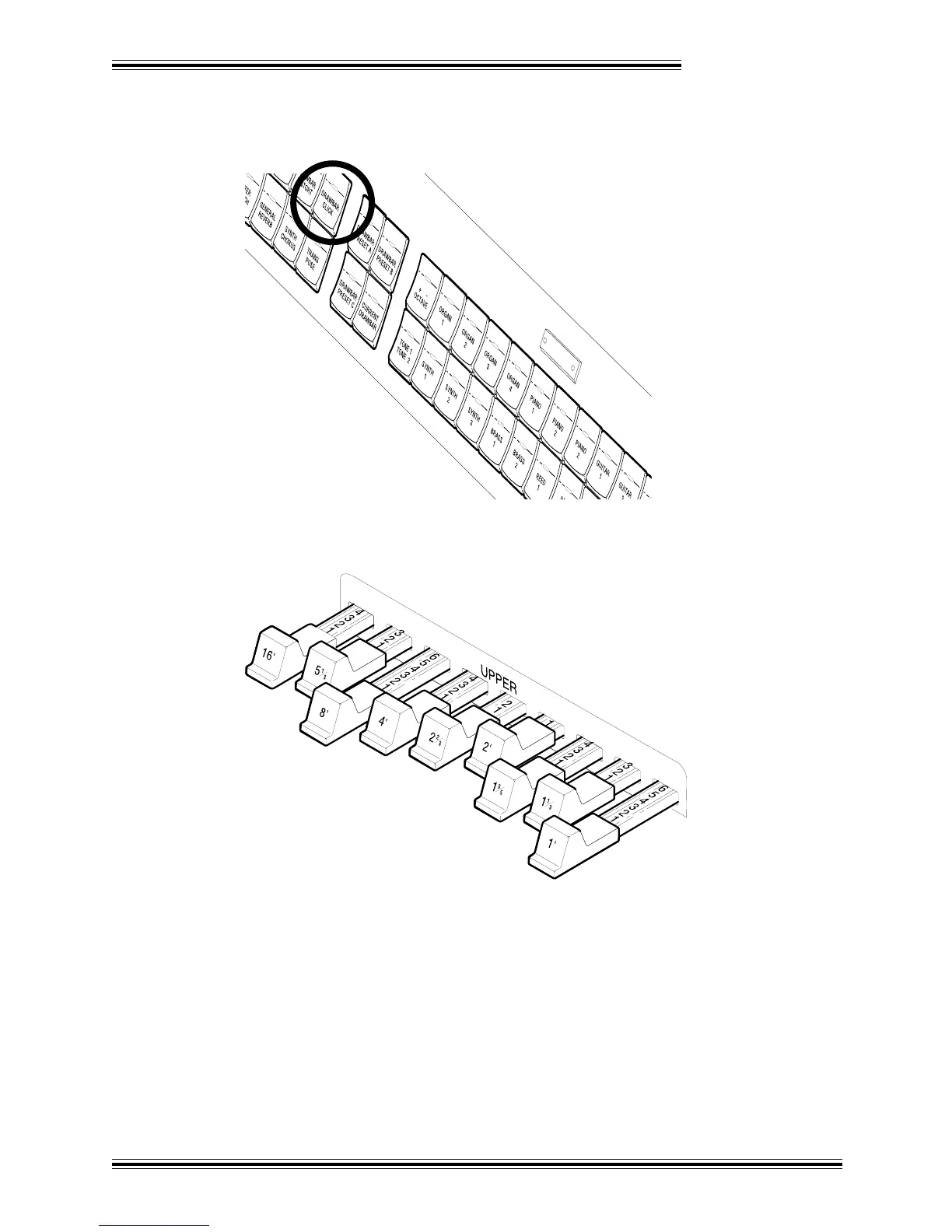
Ì Find the [CURRENT DRAWBAR] button in the group of buttons marked UPPER; the
button's red LED (Light Emitting Diode) should be lit. (When a [CURRENT DRAWBAR] button is
lit, the W-5000's Tone-Wheel generator is active.)
UPPER
Í While playing the Upper manual with your right hand, move some of the UPPER drawbars (the
sliders with all the numbers on them):
As you play, you'll instantly hear that each drawbar affects a different range of the harmonic content
of the sound. You'll discover that each one controls different frequency ranges, like sophisticated tone
controls. Once you get a little experience you'll be able to quickly create the sound you want.








 To Next Page