Advanced Performance Features
45
In the UPPER section (be sure any Tone select buttons are turned off):
Ê Press the [CURRENT DRAWBAR] button.
Ë Play the Upper manual and adjust the UPPER and PERC drawbars to your liking.
Ì Press and hold [DRAWBAR PRESET A] and then press the [CURRENT DRAWBAR] button.
All of the current drawbar settings are now stored under the [DRAWBAR PRESET A] button and can be
recalled at any time. Note that when [DRAWBAR PRESET A] is active the drawbars will not affect the
sound; the drawbars are active ONLY when the [CURRENT DRAWBAR] button is lit. You can, of course,
also create and store different settings for [DRAWBAR PRESET B] and [DRAWBAR PRESET C].
You can also copy the current or active drawbar settings from one manual to a Preset button of the other: Be
sure the destination Preset button is off, then press and hold that Preset button and then tap the desired
[CURRENT DRAWBAR] button from the source manual.
Several parameters (including drawbar click time and level) can be accessed whenever a [CURRENT
DRAWBAR] or [DRAWBAR PRESET] button is pressed. These parameters are listed and explained on
page 113. (When [CURRENT DRAWBAR] settings are 'captured' as described above, the other [CURRENT
DRAWBAR] parameters are also copied into the preset. These parameters can be edited individually for
each preset.) General on/off control of click sounds is controlled by the [DRAWBAR CLICK] button in the
EFFECTS section.
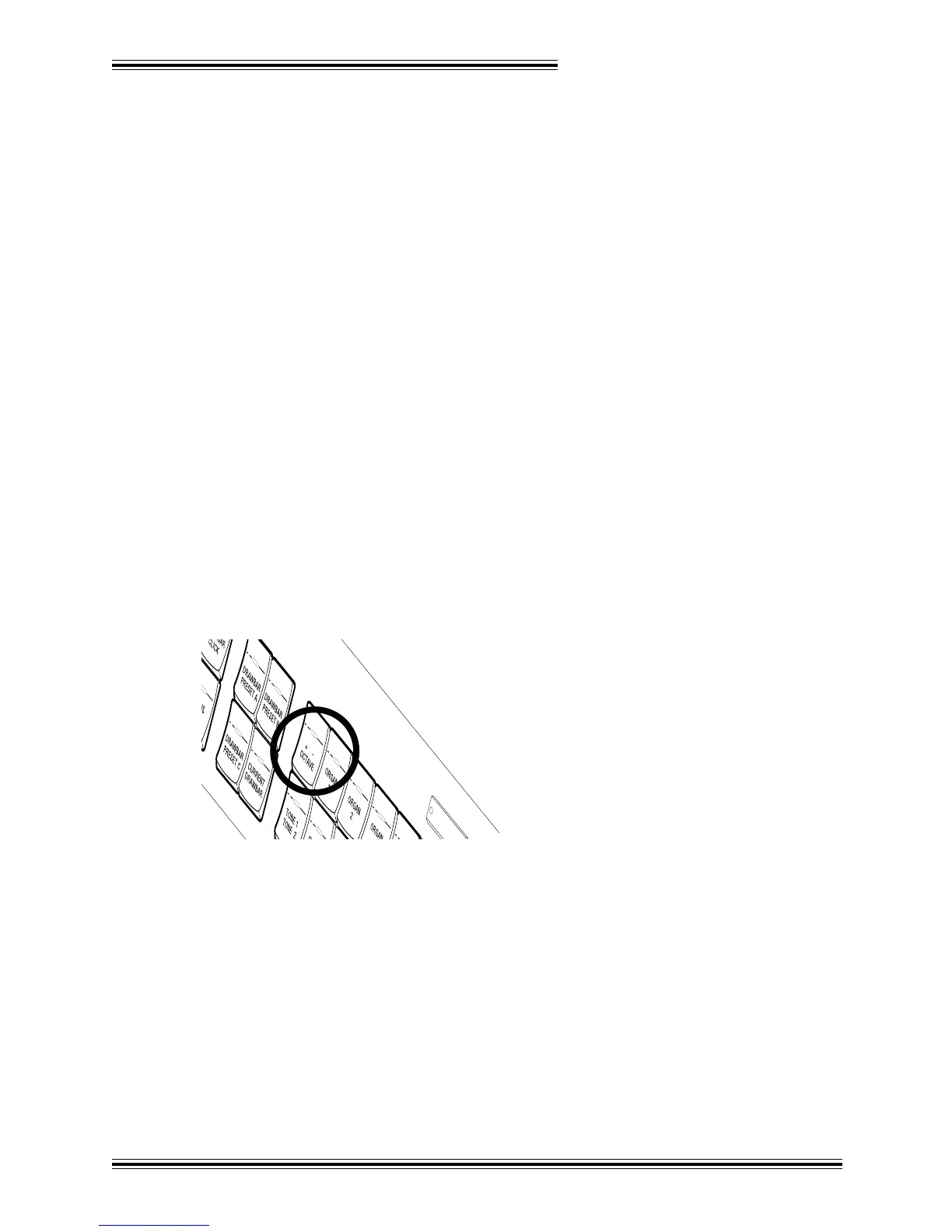
[OCTAVE +/-] BUTTON (UPPER; LOWER; BASS)
Each section contains a [+/- OCTAVE] button which is used to shift the pitch of the selected keyboard an
octave higher or lower:
UP
When the button LED is...
Dark : the keyboard is at normal pitch
Red : the keyboard pitch is one octave higher than normal
Green : the keyboard pitch is one octave lower than normal
NOTE: The [+/- OCTAVE] buttons do not affect Drawbar Tones. They do, however, affect Tone 1, Tone 2
and Solo Tones, as well as Classic Organ Tones and MIDI output. Notes sustained when a [+/- OCTAVE]
button is pressed are not affected either.
[HOLD] BUTTON (UPPER; LOWER; BASS)
Each section of the W-5000 has a [HOLD] button. Quite simply, whenever this button is lit in a particular
section, notes played on the corresponding keyboard will be sustained* whenever the left 'kick' switch on the








 To Next Page