Performance Basics
35
THE SOLO FUNCTION
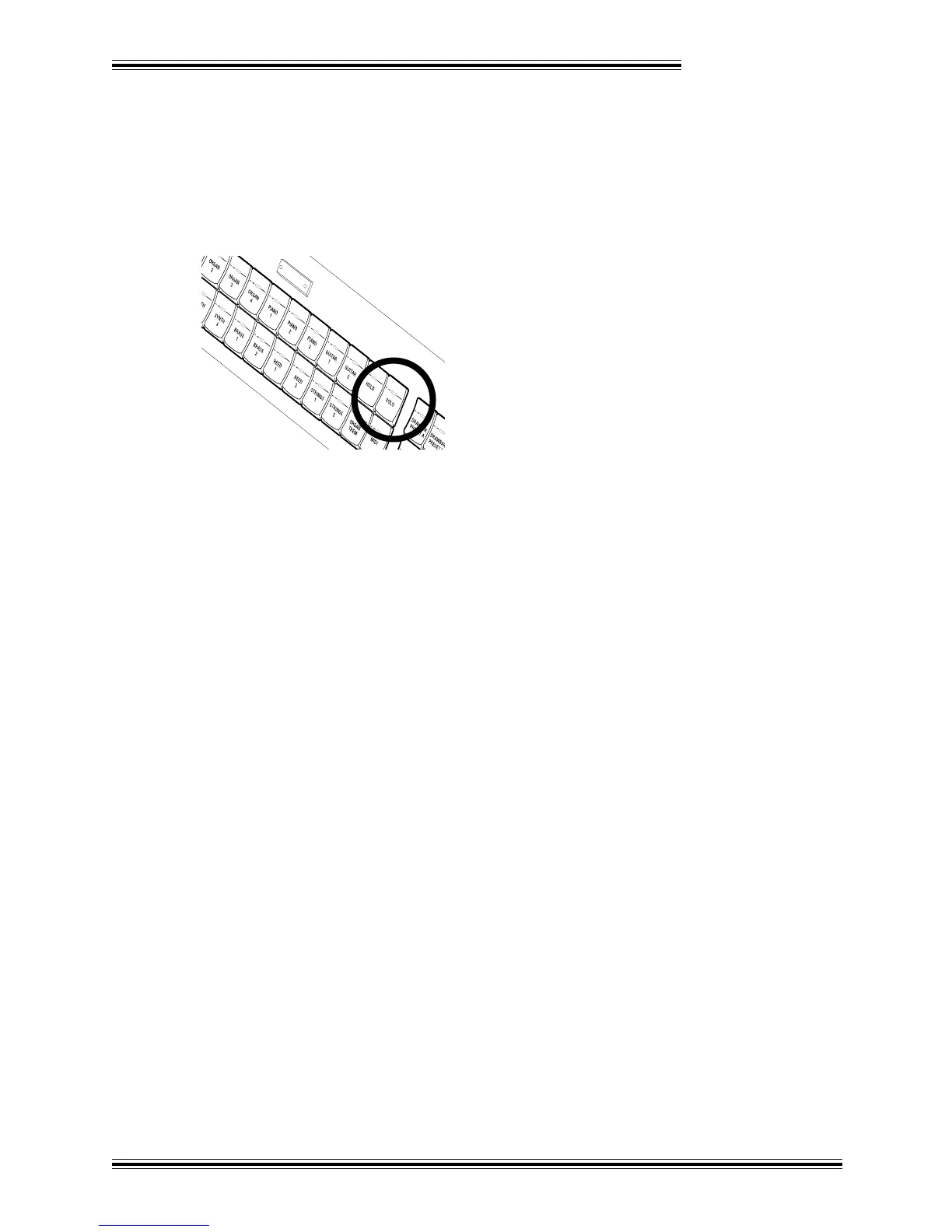
The UPPER and LOWER sections of the W-5000 each contain a [SOLO] button. When this function is
active (the button LED is lit), an additional Tone is enabled, which can be restricted to following a single
note, or arpeggiating a chord. In effect this gives you three Tones playable from each manual. Balance
among the three Tones of either manual can be adjusted using the corresponding sliders ([TONE 1], [TONE
2] and [SOLO]) in the BALANCE section.
UPPER
To use the Solo function (for either the UPPER or LOWER section), follow this procedure:
Ê Press the [SOLO] button in the UPPER section (for example).
Ë Select a Solo Tone using the [+] and [-] buttons in the EDIT section.
Ì Press the [NEXT] button repeatedly until the words 'Solo Mode' appear in the LCD.
Í With the [+] and [-] buttons, select the desired Solo mode: Poly, First, Last, Low, High, Sequence,
Up, Down, Up & Down, Wander, Random or Chord.
Poly : All notes use the Solo Tone
First : First note uses the Solo Tone
Last : Last note uses the Solo Tone
Low : Lowest note uses the Solo Tone
High : Highest note uses the Solo Tone








 To Next Page