Chapter 2
34
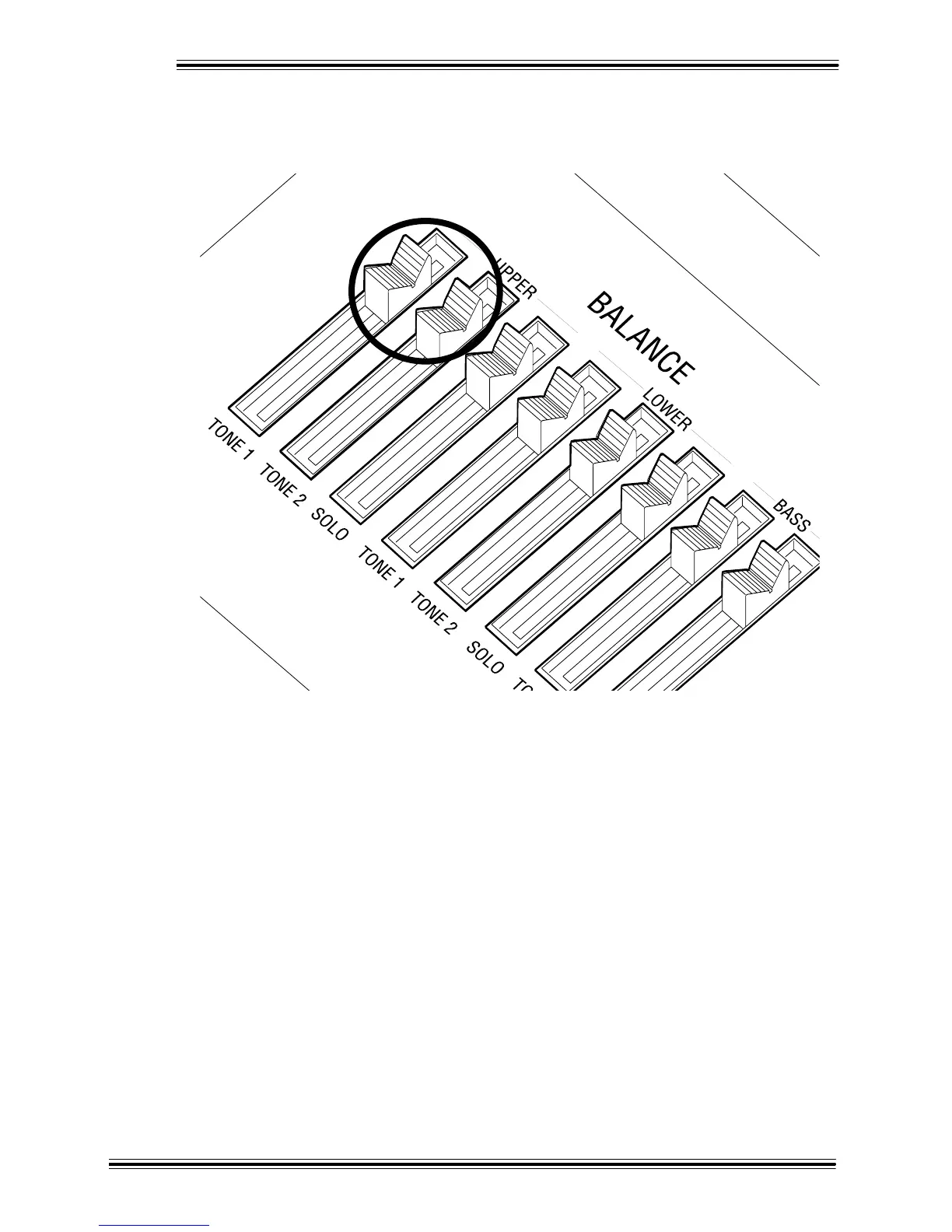
Î Play the Upper manual to hear the two Tones together. If you'd like to adjust the balance between the
two Tones, simply move the UPPER [TONE 1] and [TONE 2] sliders in the BALANCE section (just
above the [SPKR] knob). Pulling a slider down will reduce the volume for the corresponding Tone.
There are a number of different parameters (settings) that you can set that affect Tone 1 and Tone 2 sounds.
For a complete list of these parameters and what they do, please refer to '[TONE] Parameters' on page 111.


 To Next Page
 Loading...




