Performance Basics
37
BASS TONES
PEDALBOARD
No serious players' instrument of this type would be complete without a Pedalboard! And the W-5000's is as
versatile as the rest of the instrument.
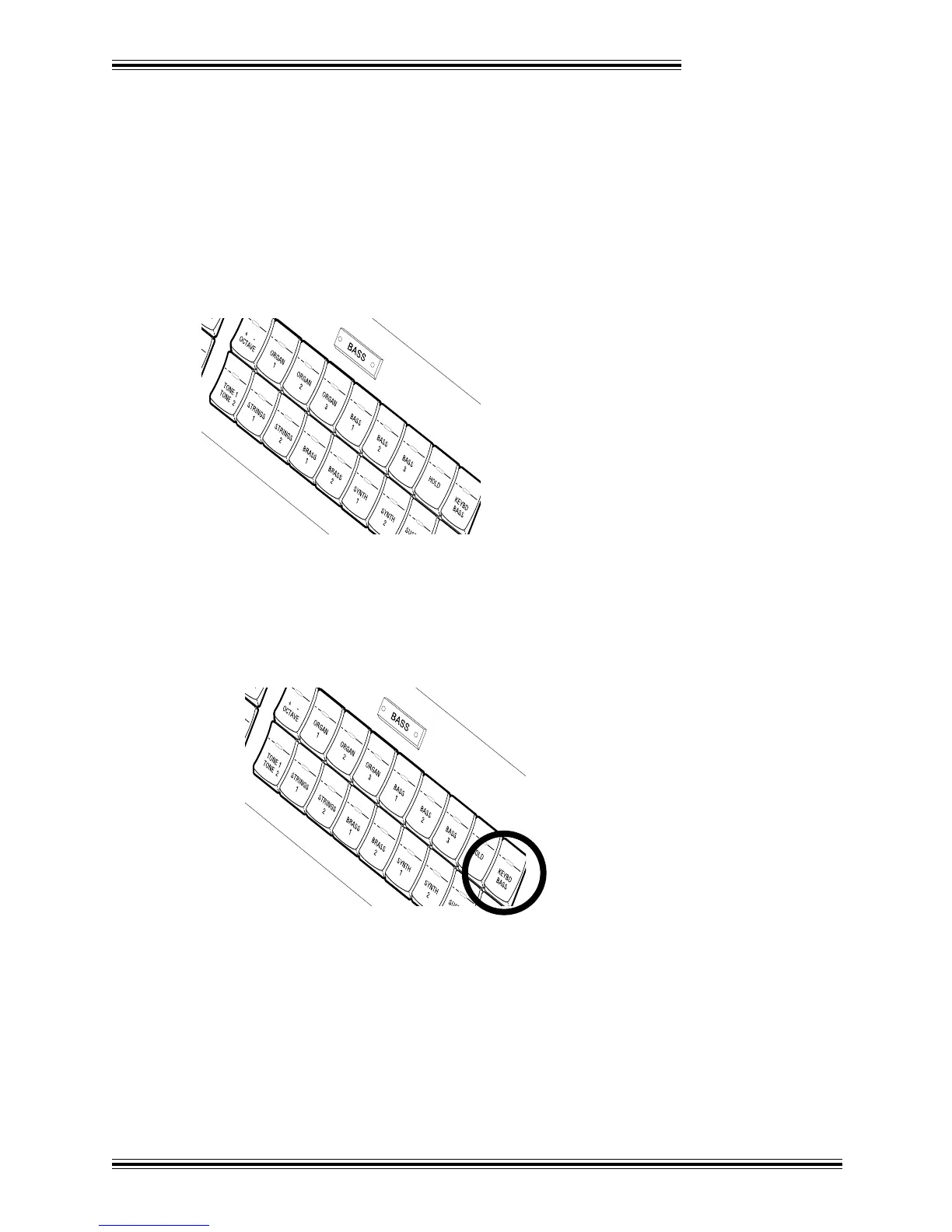
The BASS Tone select section allows you to select a variety of Tones for the Pedalboard. Again, you can
layer Tones (using the [TONE 1/TONE 2] button) and create the appropriate balance using the BASS
[TONE 1] and [TONE 2] sliders in the BALANCE section.
KEYBOARD BASS
One last option allows you to split (divide) the Lower manual into two parts, allowing you to play Bass
Tones in the section to the left of the split point, and standard Tones to the right of it.
Ê Press the [KEYBD BASS] button in the BASS Tone select section :








 To Next Page