Chapter 2
32
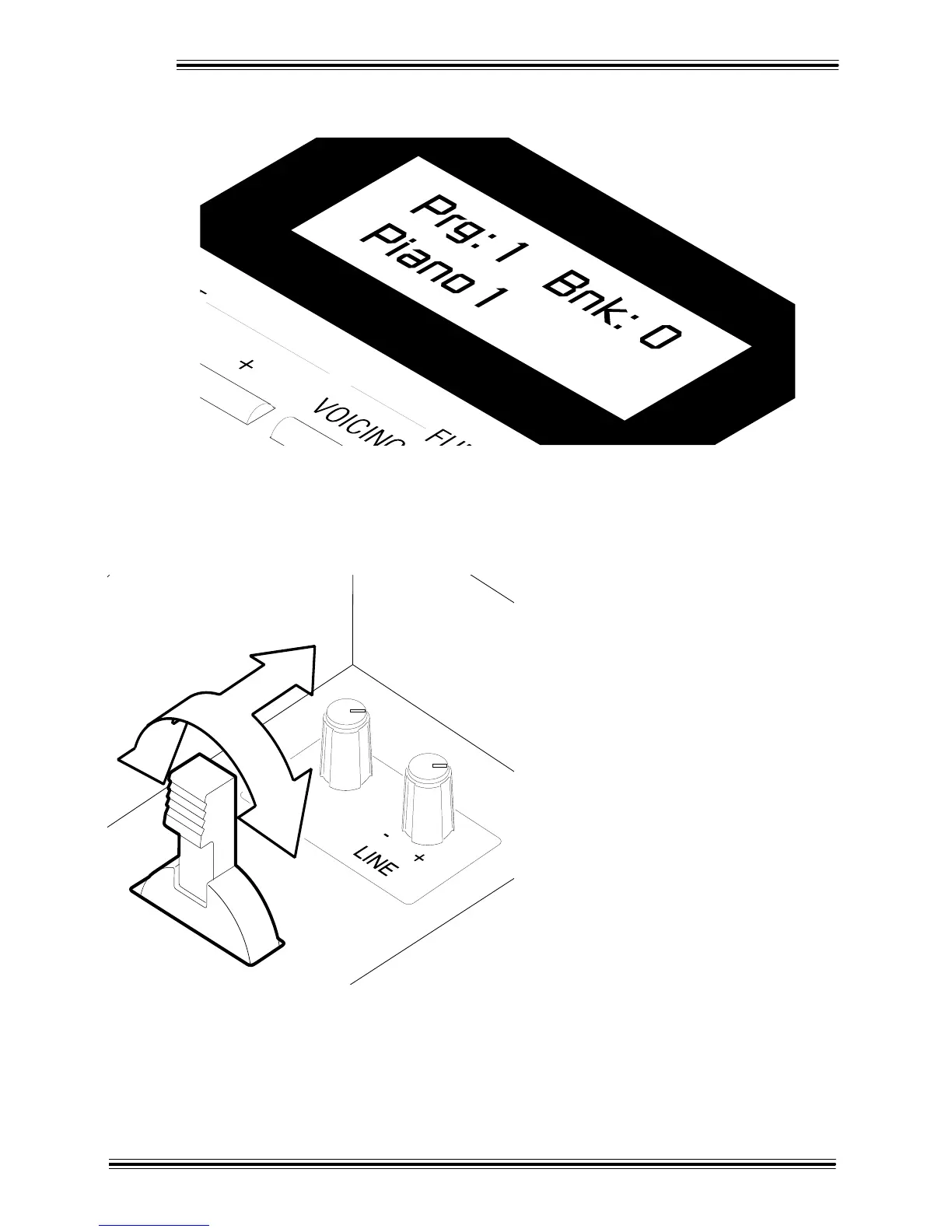
Again, depending on what Tone has been assigned to that button, the LCD might read:
Ì Play the Upper manual and you'll hear a piano sound.
You might also want to try moving the [Bender/Modulation] lever (just below the [SPKR] knob) while you
play. Note that this lever affects all but a few of the Synth Tones available; a simple trial will tell you which.
(Drawbar Tones are unaffected by this lever.)
The [Bender/Modulation] lever is one of the
W-5000 controllers.
Pushing the [Bender/Modulation lever to the
right raises the pitch (+), pushing it to the left
lowers the pitch (-), and pushing it forward adds
a vibrato effect. Pitch bend and modulation
effects work best with synthesizer-type tones.
Experiment!
Pitch bending sounds a little strange when
applied to a fixed-interval instrument like a
piano, so just use your best judgement when
deciding which sounds to apply it to.
Í To select other piano sounds, press the [+]
button in the EDIT section. As you press this
button you'll step through these sounds, starting
with Piano 1: Piano 2, Piano 3, Honky-Tonk. E.
Piano 1, E. Piano 2, Harpsichord and Clavinet.
NOTE: Don't press the [+] button any further at this point as the 'Tone Map' - the way sounds are organized -
may seem a little confusing at first. Eventually you'd call up sounds that aren't even remotely related to the
piano!
+








 To Next Page