READING ER PROBES
19
A series of > symbols will accumulate from left to right across the screen to indicate the
progression of the measurement function At the conclusion of the measurement function
(approximately 30 seconds) the CheckMate™ will display the probe reading, the current
check reading and the initial check reading in divisions. The initial check reading in
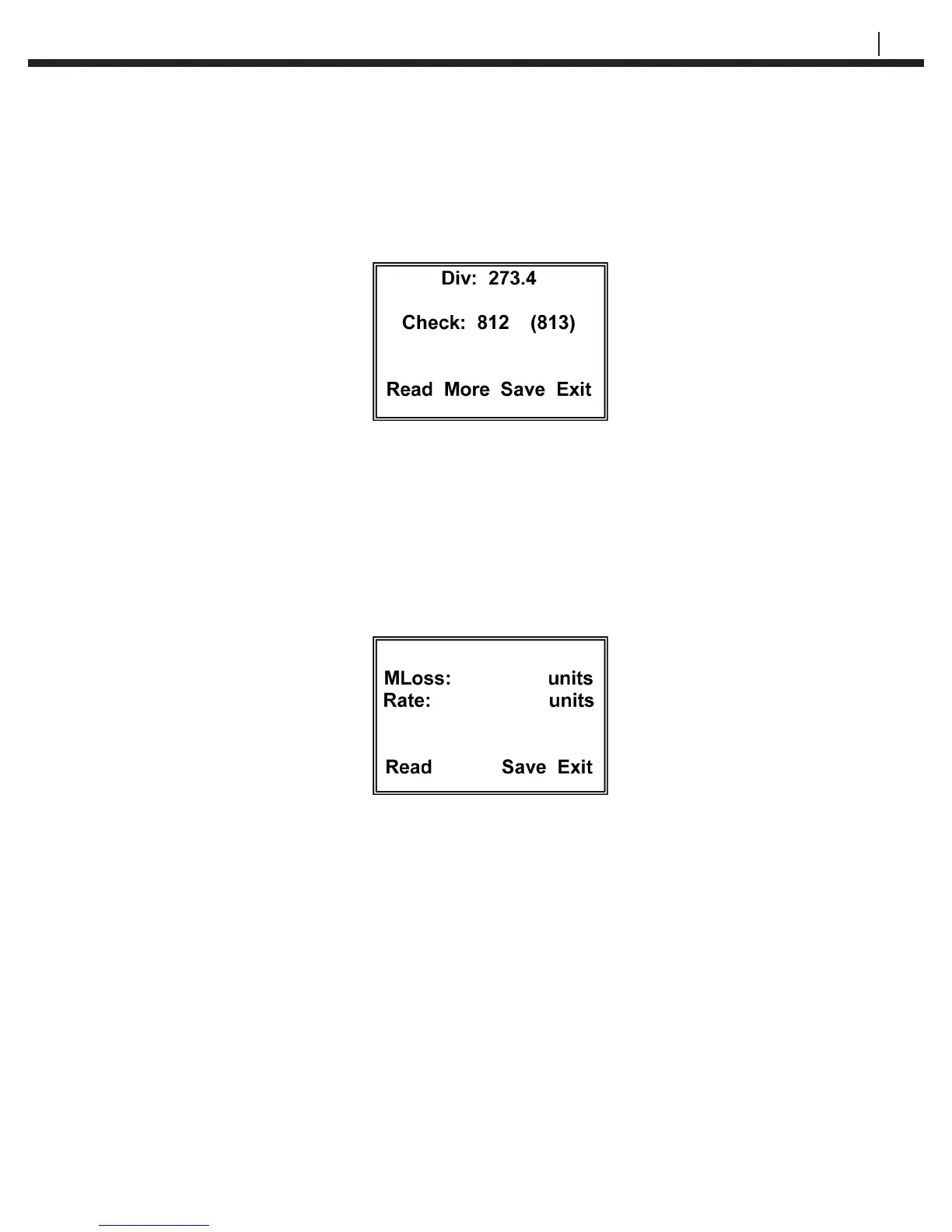
divisions will be shown in parenthesis (). A typical display is shown below:
where 273.4 is the Metal Loss reading in divisions, 812 is the present Check reading in
divisions and (813) is the initial Check reading in divisions.
Pressing the Read (F1) key will return to the Taking Probe Reading display and
automatically start a new measurement cycle. Press the Save (F3) to go to a display that
allows the user to save the readings by pressing the Yes (F1) key which will go directly to
the Probe Reading Saved display which is explained below or pressing the No key will
discard the reading and return to the Read Probe By display. Press the More (F2) key
to go to the MLoss and Rate display:
The cumulative metal loss, MLoss, in the engineering units originally selected will be
displayed and the corrosion rate between the previous probe reading and the present
probe reading will be automatically calculated. The corrosion rate, Rate, will be displayed
in the engineering units originally selected per year.
Example: A T10 ER probe (span 5 mils) was installed in a renery overhead system on
March 1, 2004. The initial probe reading of 97.3 divisions and check reading of 813 was
made on March 1, 2004. On March 30, 2004, the probe was again read and the results
were as shown in the typical display above, i.e. Div: 273.4 and Check: 812. The corro-
sion rate calculated between these two measurements would be equal to 10.7 mpy (mils
per year).


 To Next Page
 Loading...