26
CHECKMATE™
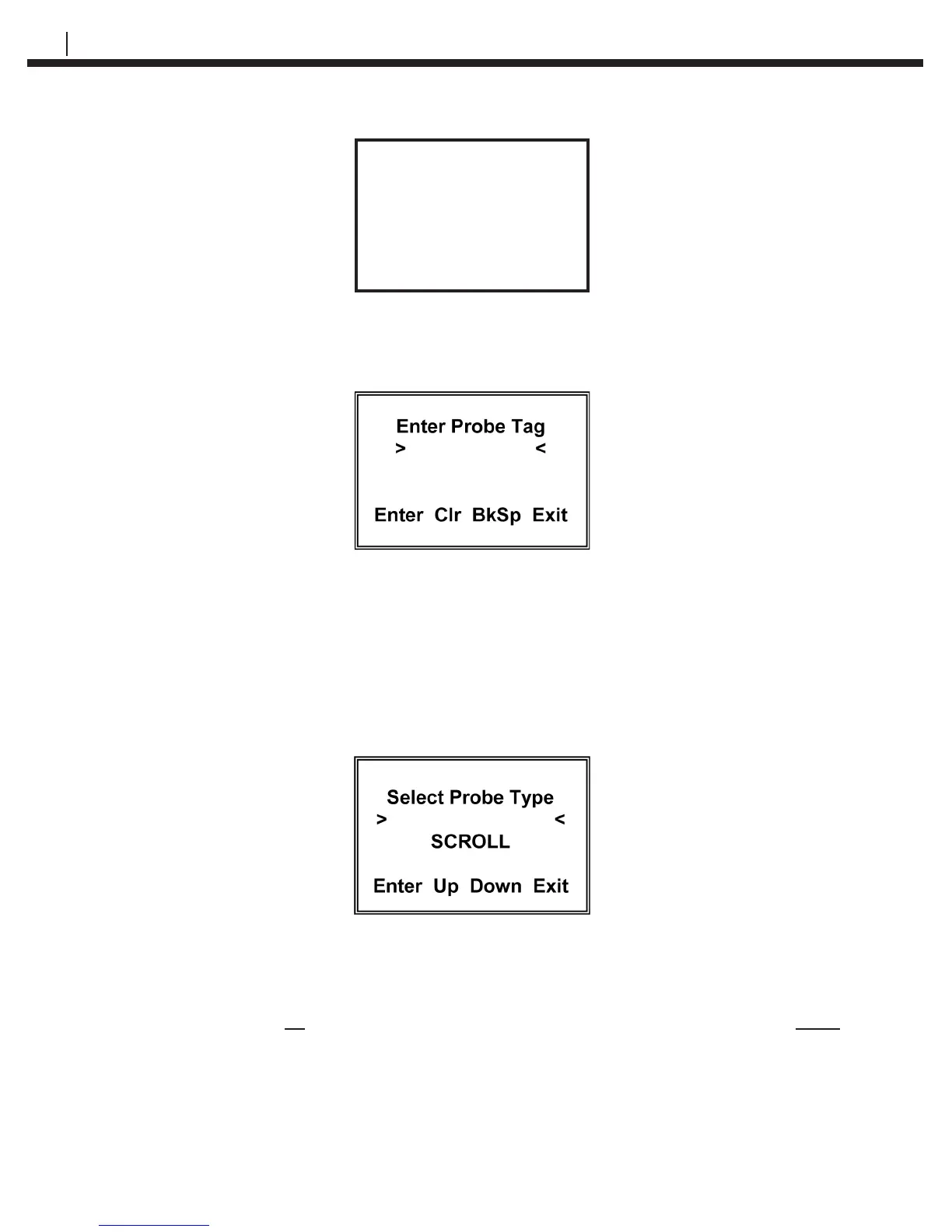
Congured
Try _
Cont Again Exit
Press Try Again (F2) to return to the Enter Probe ID display or Cont (F1) to continue to
the Enter Probe Tag display and recongure the ID. Pressing Exit (F4) returns to the
Mate Conguration display.
In the Enter Probe Tag display, enter up to twelve (12) alpha or numeric characters to
uniquely identify the monitoring location. This can be a Tag No., location or process
name. Pressing Clr (F2) clears a previously entered ID. Pressing BkSp (F3) backs up
one space for each time it is pressed so that a change can be made. Pressing Exit (F4)
returns to the Mate Conguration display.
Press Enter (F1) to go to the Select Probe Type display:
The probe type selections are W80 WIRE, W65 WIRE, W45 WIRE, W40 WIRE, TF50,
TF5, T50 CYLINDRICAL, T20 CYLINDRICAL, T10 CYLINDRICAL, T8 TUBE LOOP, T4
TUBE LOOP, S50 FLUSH, S40 FLUSH, S20 FLUSH, S10 FLUSH, S8 STRIP LOOP, S8
FLUSH, S4 STRIP LOOP, S4 FLUSH, S4 ATMOSPHERIC, OTHER and TEST PROBE
CO. You may scroll up through the list by repeatedly pressing the Up (F2) key or down
through the list by repeatedly pressing the Down (F3) key. When the probe element
selection is displayed, press the Enter (F1) key to accept the selection
If a ER probe (element) is selected, the CheckMate™ will automatically proceed to the
Enter Probe Alloy display:


 To Next Page