EasyManua.ls Logo

Roksan Audio Kandy K2 - User Manual

Roksan Audio Kandy K2
12 pages
Print Icon
To Next Page IconTo Next Page
Loading...
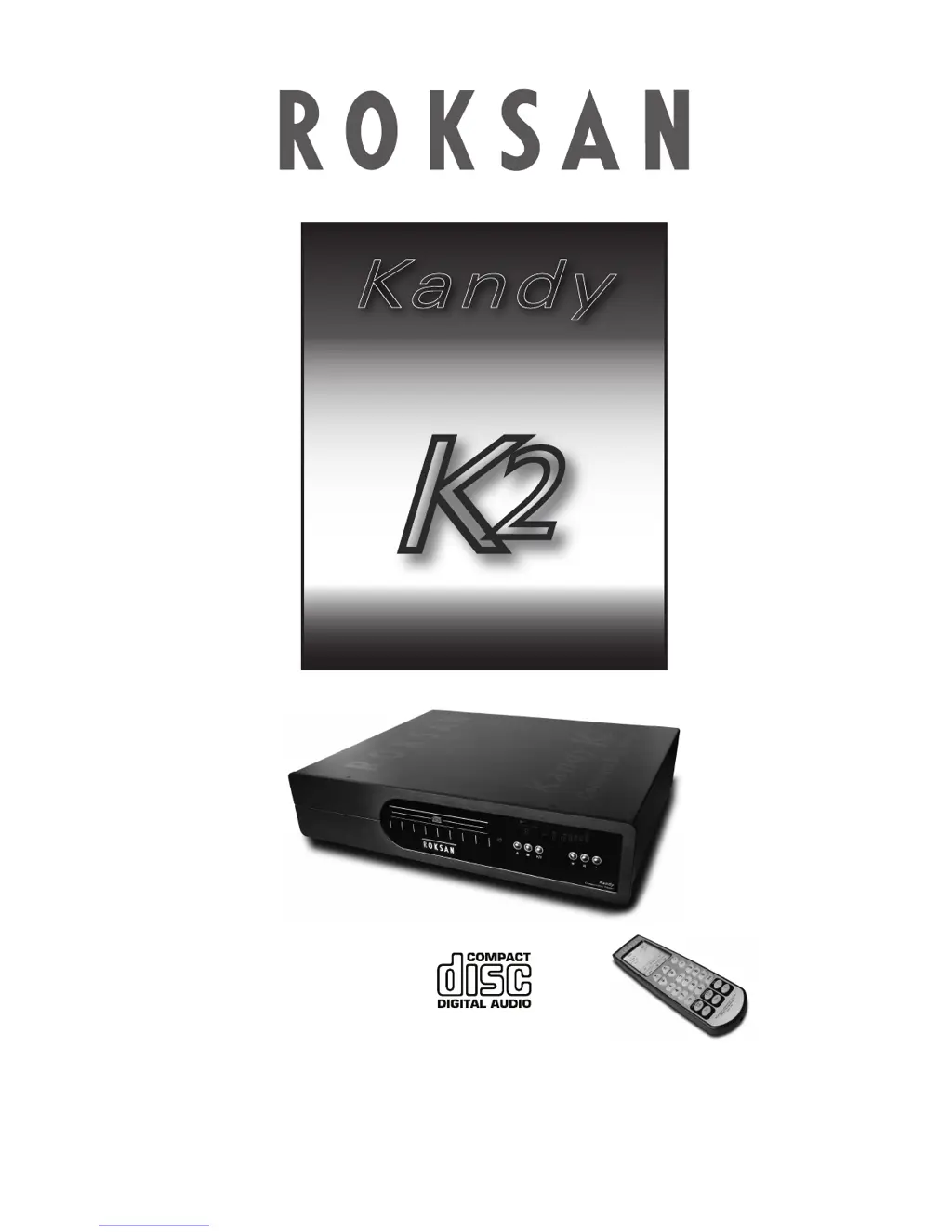
K
2
INTEGRATED
CD PLAYER
USER MANUAL
KKaannddyy
PRINTED IN ENGLAND
ROKSAN AUDIO LIMITED
6 NORTHFIELD INDUSTRIAL ESTATE
BERESFORD AVENUE ALPERTON
MIDDLESEX HA0 1NW ENGLAND
TEL. +44 (0)20 8900 6801 / 6802
FAX. +44 (0)20 89000734
www.roksan.co.uk
Email info@roksan.co.uk

Questions and Answers

  • M
    Mark WatsonJul 31, 2025
    What to do if my Roksan Audio Amplifier has no output on one or both channels?
    • G
      griffinyvetteJul 31, 2025
      If there's no output on one or both channels, very low sound output, poor speaker imaging, or lack of bass output from your Roksan Audio Amplifier, here's what you should check: * Ensure the amplifier is not in stand-by mode (MODE light should be RED, not GREEN). Press the MODE button to switch to operational mode. * Verify all input connections are secure and correct. * Check the speaker output connections on the rear panel. * Make sure the correct input is selected and the source is working. * Deselect Tape Monitor if it's active. * Ensure the amplifier is not in 20dB MUTE position (MODE light should be RED, not AMBER). Press the MODE button and check the volume setting. * Confirm the polarity of speaker connections, especially if multi-wiring or multi-amping.
  • B
    Brian BrownAug 11, 2025
    Why does my Roksan Audio Amplifier have no power?
    • J
      johnstonelizabethAug 11, 2025
      If your Roksan Audio Amplifier has no power, the issue might be: * The AC Mains lead is not fully inserted. Ensure it is properly connected. * The unit is not switched on. Switch the unit on using the power switch located on the front underside.
  • T
    Taylor KeithAug 20, 2025
    How to stop hum from speakers connected to Roksan Audio Amplifier?
    • F
      fwilliamsAug 20, 2025
      To address hum coming from the speakers connected to your Roksan Audio Amplifier, check the mains polarity and grounding on all connected equipment. Incorrect grounding can often be the cause of this issue.

Summary

SAFETY CERTIFICATION

LASER SAFETY

This unit employs a laser. Only qualified persons should remove the cover or attempt to service this unit due to the risk of eye injury.

CAUTIONS

AC MAINS SUPPLY

Guides users on connecting the CD player to the mains supply, checking voltage compatibility, and proper earthing.

INSTALLATION

SETUP

CONNECTING MAINS POWER

Details the procedure for connecting the CD player to the mains power supply via the IEC connector and front switch.

SIGNAL CONNECTIONS

Explains how to connect both analogue and digital audio outputs to amplifiers or DACs.

OPERATION

SWITCHING ON

Describes how to power on the CD player, including the status of the K2 logo and FL display.

USING THE CONTROLS

Overview of how to operate the CD player using the front panel controls.

LOADING A DISC

Provides instructions for opening the disc tray, inserting a CD, and closing the tray correctly.

PLAYING A DISC

REMOTE HANDSET

TROUBLESHOOTING

SPECIFICATIONS

Roksan Audio Kandy K2 Specifications

General IconGeneral
TypeIntegrated Amplifier
THD (1kHz, 1W into 8 Ohms)<0.005%
Signal-to-Noise Ratio> 100 dB
Signal-to-Noise Ratio (ref 1W into 8 Ohms)> 100 dB
Input Impedance47 kOhms
Damping Factor> 100
Inputs1 x Phono
OutputsSpeaker Outputs
Input Sensitivity300 mV
Total Harmonic Distortion (THD)<0.005%

Related product manuals