EasyManua.ls Logo

Roksan Audio Platinum STI308 - User Manual

Roksan Audio Platinum STI308
13 pages
Print Icon
To Next Page IconTo Next Page
Loading...
w
w
w
w
w
w
.
.
r
r
o
o
k
k
s
s
a
a
n
n
.
.
c
c
o
o
.
.
u
u
k
k
e
e
m
m
a
a
i
i
l
l
i
i
n
n
f
f
o
o
@
@
r
r
o
o
k
k
s
s
a
a
n
n
.
.
c
c
o
o
.
.
u
u
k
k
ROKSAN AUDIO LIMITED
6 NORTHFIELD INDUSTRIAL ESTATE
BERESFORD AVENUE ALPERTON
MIDDLESEX HA0 1NW ENGLAND
TEL. +44 (0)208 900 6801
+44 (0)208 900 6802
FAX. +44 (0)208 900 0734
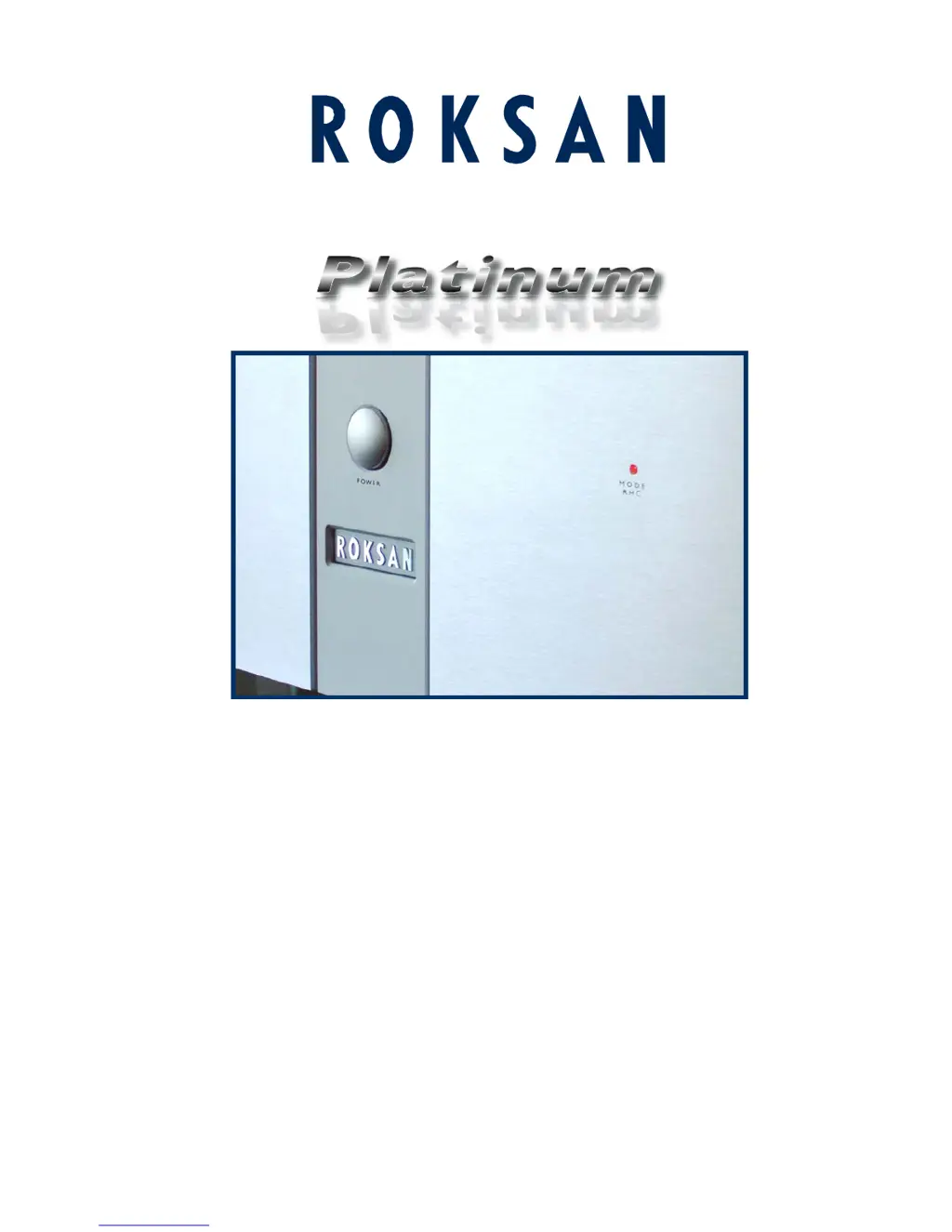
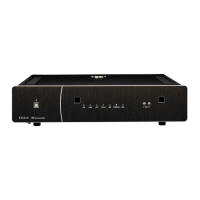
ST1308
Dual Mono Stereo Power Amplifier
USER MANUAL

Questions and Answers

  • J
    James BeckJul 31, 2025
    How to troubleshoot a Roksan Audio Platinum STI308 with no power?
    • P
      Paula RuizJul 31, 2025
      If your Roksan Audio Amplifier isn't powering on, start by ensuring the AC Mains lead is fully inserted. Next, check that the unit is switched on using the power button on the front panel. Finally, inspect the IEC mains inlet fuses; if blown, replace them with an identical fuse type and rating, but only attempt this once.
  • L
    Lauren RodriguezAug 9, 2025
    What to do if my Roksan Audio Platinum STI308 Amplifier has no output on one or both channels?
    • C
      Candace McdonaldAug 9, 2025
      If you experience no output on one or both channels of your Roksan Audio Amplifier, consider the following: * Ensure the amplifier is not in stand-by mode (MODE lights GREEN) and that music is playing. * Verify all input connections to address any missing or bad input signal. * Check and set the Input switch correctly (RCA or XLR). * Inspect all speaker connections for any missing or bad connections. * Deselect MUTE on the Preamplifier, and check the volume setting.
  • E
    ericgriffinAug 20, 2025
    How to fix hum from speakers with Roksan Audio Platinum STI308?
    • M
      mark05Aug 20, 2025
      If you're experiencing a hum from the speakers connected to your Roksan Audio Amplifier, the issue might stem from incorrect grounding or poor interconnect cables. First, check the mains polarity and grounding on all connected equipment. If the problem persists, try changing the interconnect cables.

Summary

Introduction to the Amplifier

Unpacking and Contents

Details items included in the packaging and the importance of retaining packing materials for safe transport.

Maintenance and Cleaning

Instructions for cleaning the amplifier cabinet and front panel using a soft, damp cloth, avoiding abrasives.

EU Compliance Information

States product compliance with relevant EU directives and CE marking.

Safety Precautions

AC Mains Supply Safety

Covers voltage checks, mains lead safety, fuse replacement, and unplugging when unused for safety.

General Operational Warnings

Includes FCC warning, interference guidelines, and amplifier placement advice.

Amplifier Placement Guidelines

Advises on placing the amplifier in a well-ventilated area, away from heat, dust, sunlight, and liquids.

Installation and Connections

Front Panel Overview

Identifies key front panel components including mode indicators and the power button for the amplifier.

Rear Panel Overview

Details rear panel connections, ports, and labels, including signal inputs and power connections.

Connecting Mains Power

Guides on connecting the IEC mains lead and operating the power switch, including safety unplugging.

Signal Input Configuration

Explains RCA and XLR input connections, including channel assignment and selector switch use.

Operational Guide

Multi-Amping and Multi-Wiring

Explains the benefits of bi-amping and bi-wiring for improved loudspeaker performance.

Bi-Wiring Configurations

Illustrates bi-wired connection methods using speaker terminals and cross-holes.

Switching On and Operation Modes

Details the process of switching the amplifier on and its automatic operation modes.

Understanding Amplifier Behavior

Explains amplifier behavior during initial power-up, standby, and fault conditions.

Troubleshooting and Guarantee

Common Problems and Solutions

Lists common symptoms like no power or no output, with likely causes and suggested remedies.

Warranty Information

Details the two-year guarantee, terms, exclusions, and claims procedure.

Specifications and Notes

Technical Specifications

Details input/output, power, response, distortion, dimensions, and weight.

User Record Keeping

Provides fields for recording serial number, purchase date, and retailer details.

Roksan Audio Platinum STI308 Specifications

General IconGeneral
Input Impedance47kΩ
Signal-to-Noise Ratio>100dB
Dimensions (W x H x D)432 x 105 x 380 mm
Inputs1 x XLR
Outputs1 x RCA Pre-Out
Input Sensitivity300mV

Related product manuals