EasyManua.ls Logo

Roland JV-1000 - BLOCK DIAGRAM;ブロック図

Roland JV-1000
106 pages
Print Icon
To Next Page IconTo Next Page
To Previous Page IconTo Previous Page
Loading...
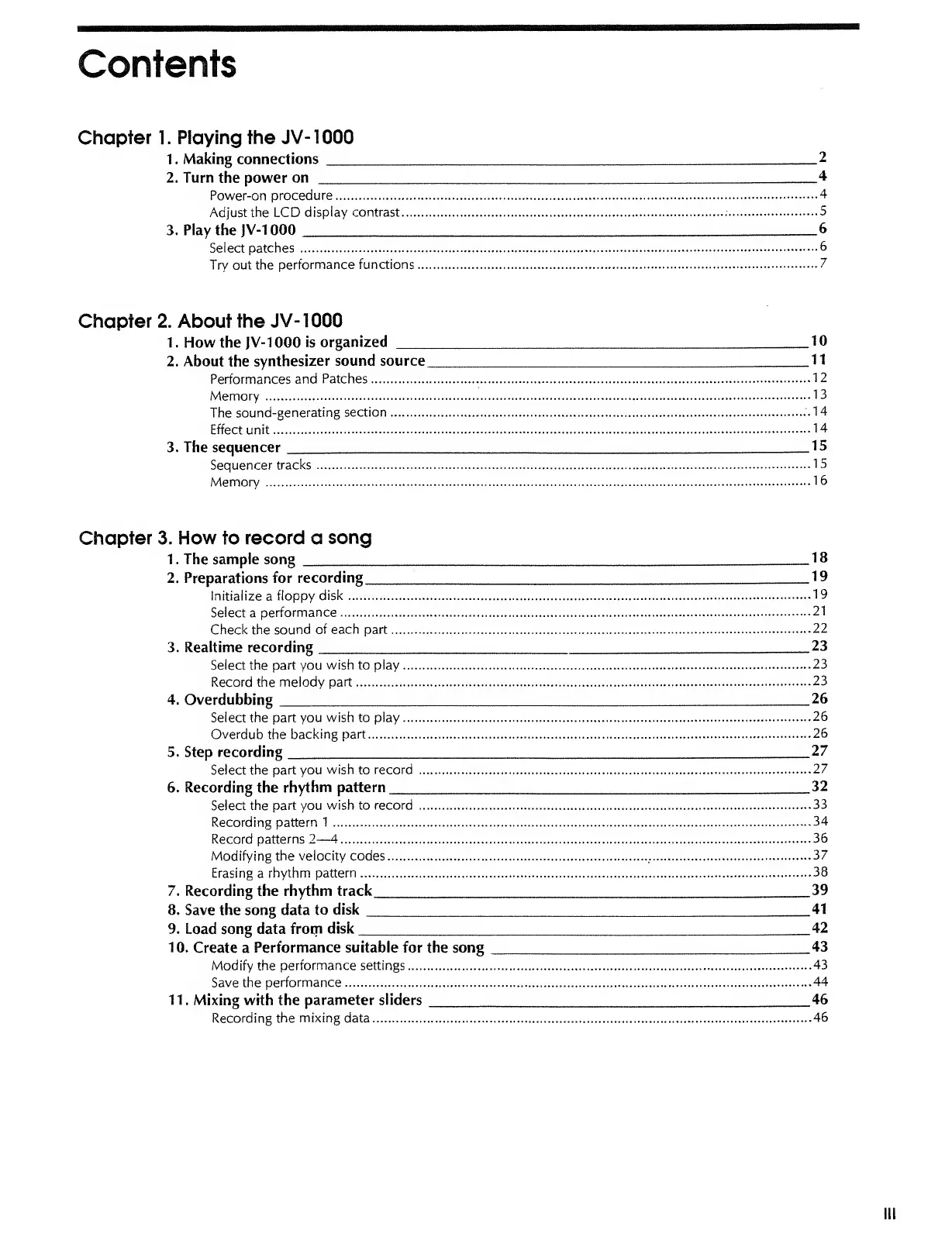
Contents
Chapter 1. Playing the
JV-1000
1.
Making connections
2
2.
Turn
the power
on
4
Power-on
procedure
4
Adjust the LCD
display contrast
.-
5
3. Play the
JV-1000
6
Select patches
6
Try
out the
performance functions
7
Chapter 2. About the
JV-1000
1 . How the
JV-1000
is
organized 10
2.
About
the
synthesizer sound source
_11
Performances and
Patches
12
Memory
13
The
sound-generating
section
.14
Effect unit
14
3. The sequencer
.15
Sequencer
tracks
15
Memory
16
Chapter 3. How to record a
song
1. The sample song _18
2.
Preparations for
recording
19
Initialize
a
floppy
disk
19
Select
a
performance
21
Check the
sound
of each part
22
3. Realtime recording
,
23
Select the part you
wish to play
23
Record the melody
part
23
4.
Overdubbing __26
Select the part
you wish to play
26
Overdub
the
backing part
26
5.
Step
recording
_27
Select the part
you
wish
to
record
27
6. Recording the
rhythm pattern
32
Select
the part you
wish
to
record
33
Recording
pattern 1
34
Record
patterns
2
4
36
Modifying the
velocity
codes
37
Erasing
a
rhythm
pattern
38
7. Recording the rhythm track
39
8. Save the song data to
disk
41
9. Load song data from
disk
42
10.
Create a
Performance suitable for the song _43
Modify the
performance settings
43
Save the performance
44
1
1
. Mixing with the
parameter sliders
46
Recording the
mixing
data
46
III

Other manuals for Roland JV-1000

Related product manuals