69
Chapter 8. Using a Memory Card
3.
Turn the VALUE dial or use [DEC][INC] to select the file you want to import.
If you want to select multiple files, press [F1] (MARK) to assign a check mark to each file you want to select.
If the memory card contains no files, the display will indicate “Empty.”
4.
Press a pad to select the import-destination pad.
If you want to change pad banks, press [PAD BANK] and switch the pad bank (p. 23).
If check marks were assigned to files in step 3, these files will be imported consecutively starting at pad [1] of the
current pad bank.
The pad number is displayed in the lower line of the screen.
(example) PAD 8-1: pad bank 8, pad number 1
5.
Press [F3] (EXEC) to import the file.
If you decide to cancel, press [F2] (CANCEL).
This operation exports (saves) a sample to a memory card as an audio file.
1.
In the CARD UTILITY screen, use [ ][ ] to move the cursor to the
“File Export” line.
2.
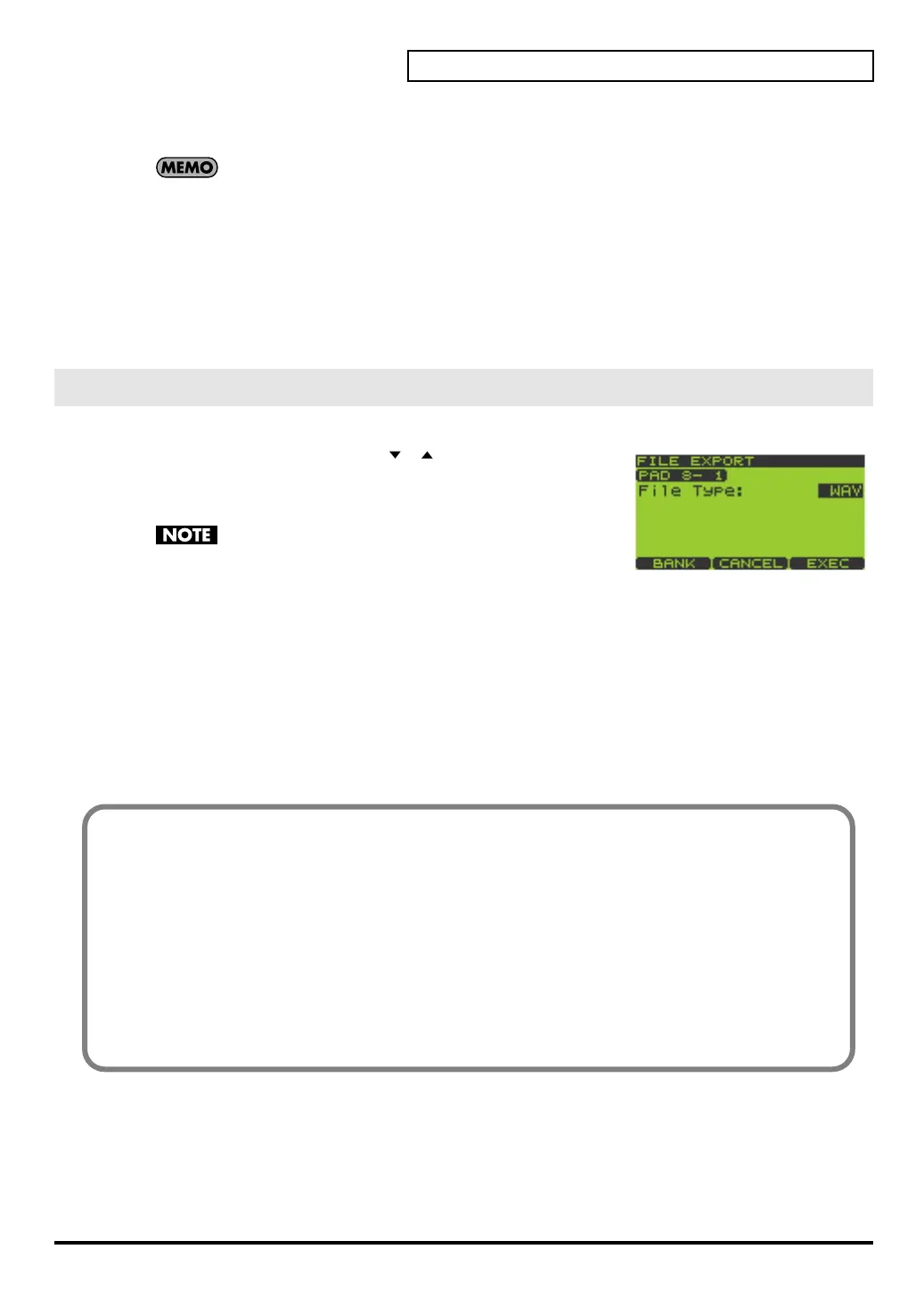
Press [ENTER] to get the FILE EXPORT screen.
If a memory card is not inserted, the message “Card Not
Ready!” will appear.
3.
Press a pad to select the pad containing the sample you want to export.
If you want to change pad banks, press [PAD BANK] and switch the pad bank (p. 23).
If you want to export all samples of the current pad bank, press [F1] (BANK).
The pad number is displayed in the upper line of the screen.
(example) PAD 8-1: pad bank 8, pad number 1
4.
Turn the VALUE dial or use [DEC][INC] to select WAV or AIFF as the “File Type.”
This specifies the type of file that will be exported.
5.
Press [F3] (EXEC) to export the file.
If you decide to cancel, press [F2] (CANCEL).
FILE EXPORT
About the Exported Audio Files (WAV/AIFF)
Audio files (WAV/AIFF) exported to a memory card will be located in the root directory (highest
level) of the memory card.
When you use a computer or other device to view the root directory of the memory card, the exported
audio files (WAV/AIFF) will appear with the following names.
Samples exported from pad banks 1–8 (internal memory):
WAV: i01_01.WAV–i08_16.WAV
AIFF: i01_01.AIF–i08_16.AIF
Samples exported from pad banks 9–32 (memory card):
WAV: c09_01.WAV–c32_16.WAV
AIFF: c09_01.AIF–c32_16.AIF
SP-606_e.book 69 ページ 2004年6月21日 月曜日 午前10時8分


 To Next Page
 Loading...