15
2.6 Initial Settings
Before using the device, we recommend you to set up the correct Date and
Time and Automatic Record.
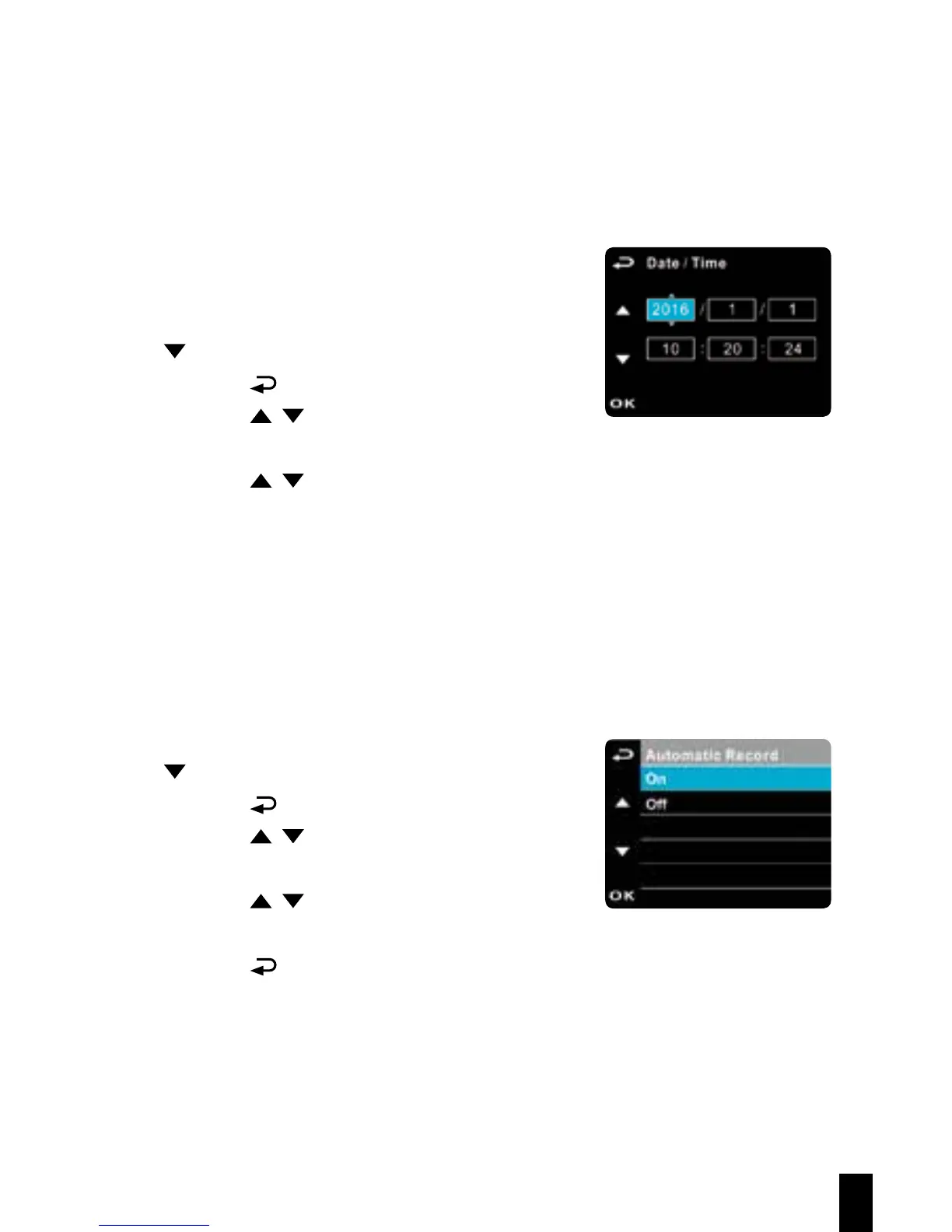
2.6.1 Set the Date / Time
To set the correct date and time, do the
following:
1. If recording is in progress, press the
button to stop recording
2. Press the
button to enter the OSD menu.
3. Press the / button to select Date / Time
and press the OK button.
4. Press the / button to adjust the value and press the OK button to
move to another field.
5. Repeat step 4 until the date and time setting is complete.
2.6.2 Set Automatic Record
Default setting of Automatic Record is enabled. The device will auto-
matically start recording when powered on. In case Automatic Record is
disabled, enable it by the following steps:
1. If recording is in progress, press the
button to stop recording.
2. Press the button to enter the OSD menu.
3. Press the / button to select Automatic
Record and press the OK button.
4. Press the / button to select On and
press the OK button.
5. Press the
button to exit the menu.



 To Next Page