20
3.1.7 Parking Mode
To monitor the vehicle when it is parked, you can activate Motion Detecti-
on or Vibration Detection.
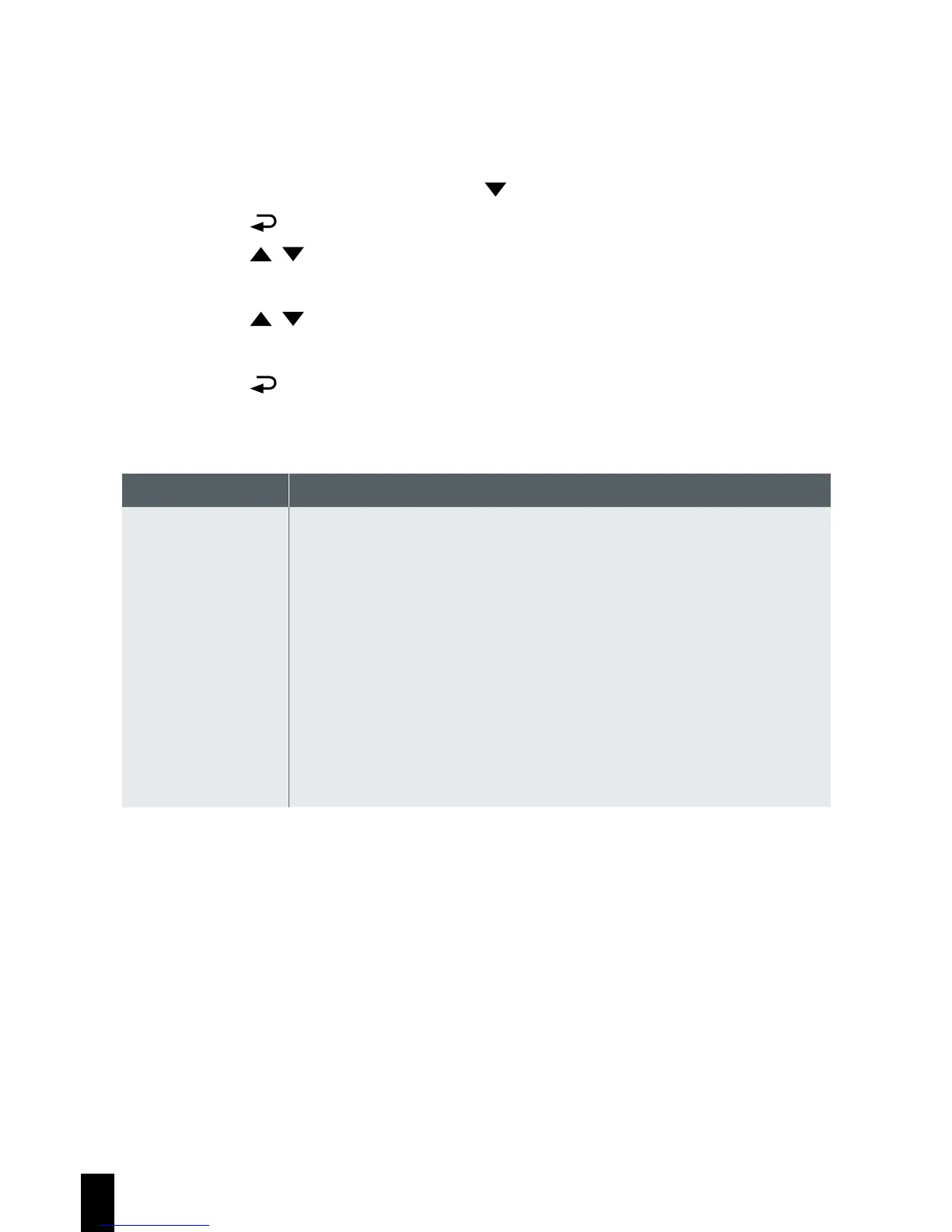
1. If recording is in progress, press the button to stop recording.
2. Press the
button to enter the OSD menu.
3. Press the / button, select Parking Mode, and then press the OK
button.
4. Press the / button, select Vibration Detection or Motion Detec-
tion, and then press the OK button.
5. Press the
button to exit the menu
Item Description
Vibration
Detection
If disconnected from power when the camcorder is
powered on, the system alert message “Wait for 60
seconds to enter Vibration Detection or press OK key
to power off.” This means the system will enter Vibration
Detection automatically in 60 seconds; when the camcorder
detects any external vibration applied to the vehicle, Video
Record will be 60 seconds and the recording will be protec-
ted. If press OK within 60 seconds, the camcorder will be
powered off instead of entering Vibration Detection mode.



 To Next Page