22
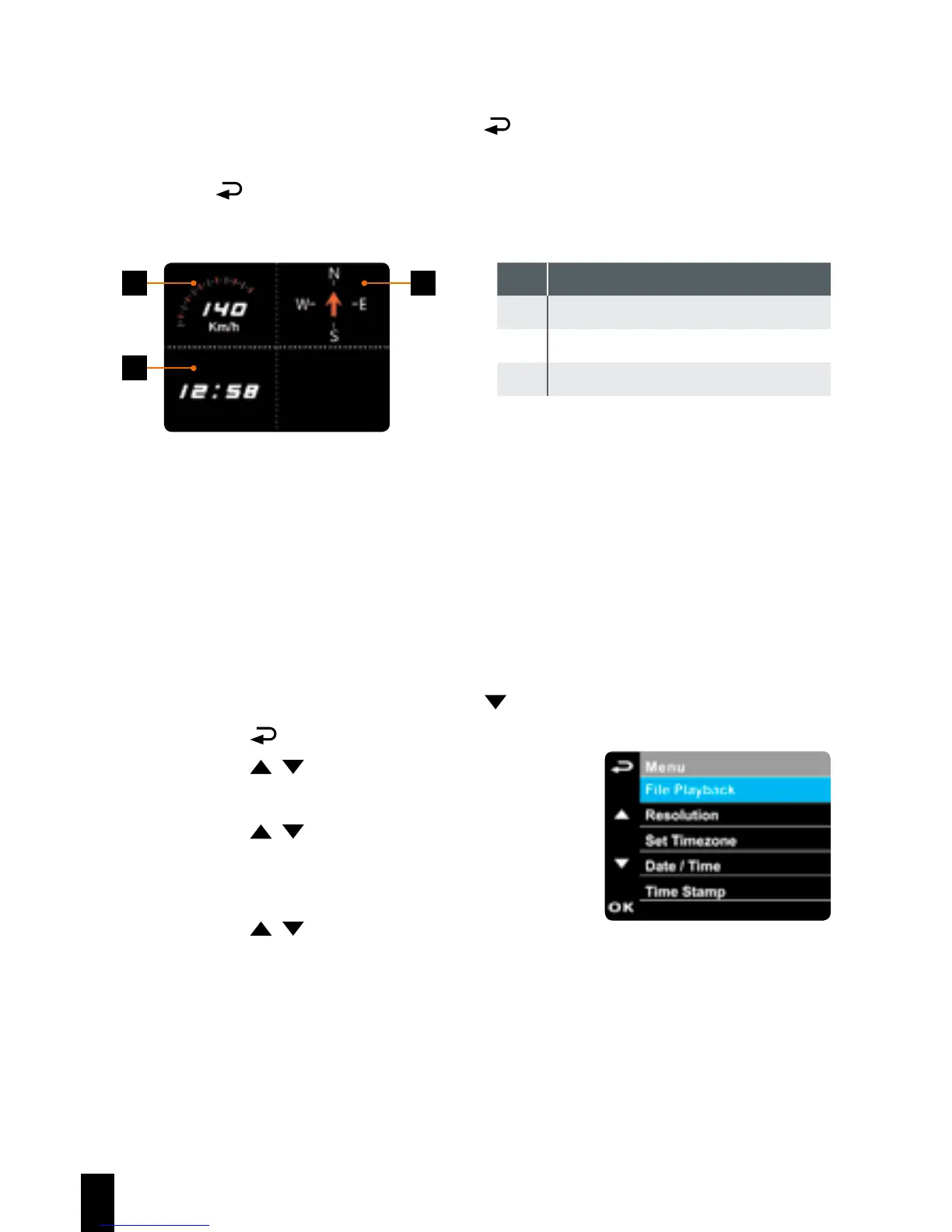
3.1.8 4 GRID FUNCTION CHART in the LCD screen
When the device is recording, press
button will enter 4 GRID FUNCTI-
ON CHART in the LCD screen, users can check vehicular informations here.
Press
button once again will go back into your recording.
1 3
2
No. Item
1 Driving Speed
2 Time
3 Driving direction
Note:
Driving Speed and Driving Direction are only applicable when satellite
positioning of the device is ready; otherwise, they will be displayed in
gray scale only. Satellite positioning function is dependent on the model
purchased.
3.2 Playback Videos and Photos
If recording is in progress, press the
button to stop recording.
1. Press the button to enter the OSD menu.
2. Press the / button, select the File
Playback and then press the OK button.
3. Press the / button, select the file type
that you wish to view, and then press the OK
button.
4. Press the / button to view the previous/
next file and then press the OK button to
view the file on full screen.



 To Next Page