23
Note:
You can press the !button from the standby screen and directly enter the
playback mode.
The final recoding will be shown on the screen.
3.2.1 Video Playback
If recording is in progress, press the button to stop recording.
1. Press the
button to enter the OSD menu.
2. Press the / button, select File Playback
and then press the OK button.
3. Press the / button, select Video or
Emergency, and then press the OK button.
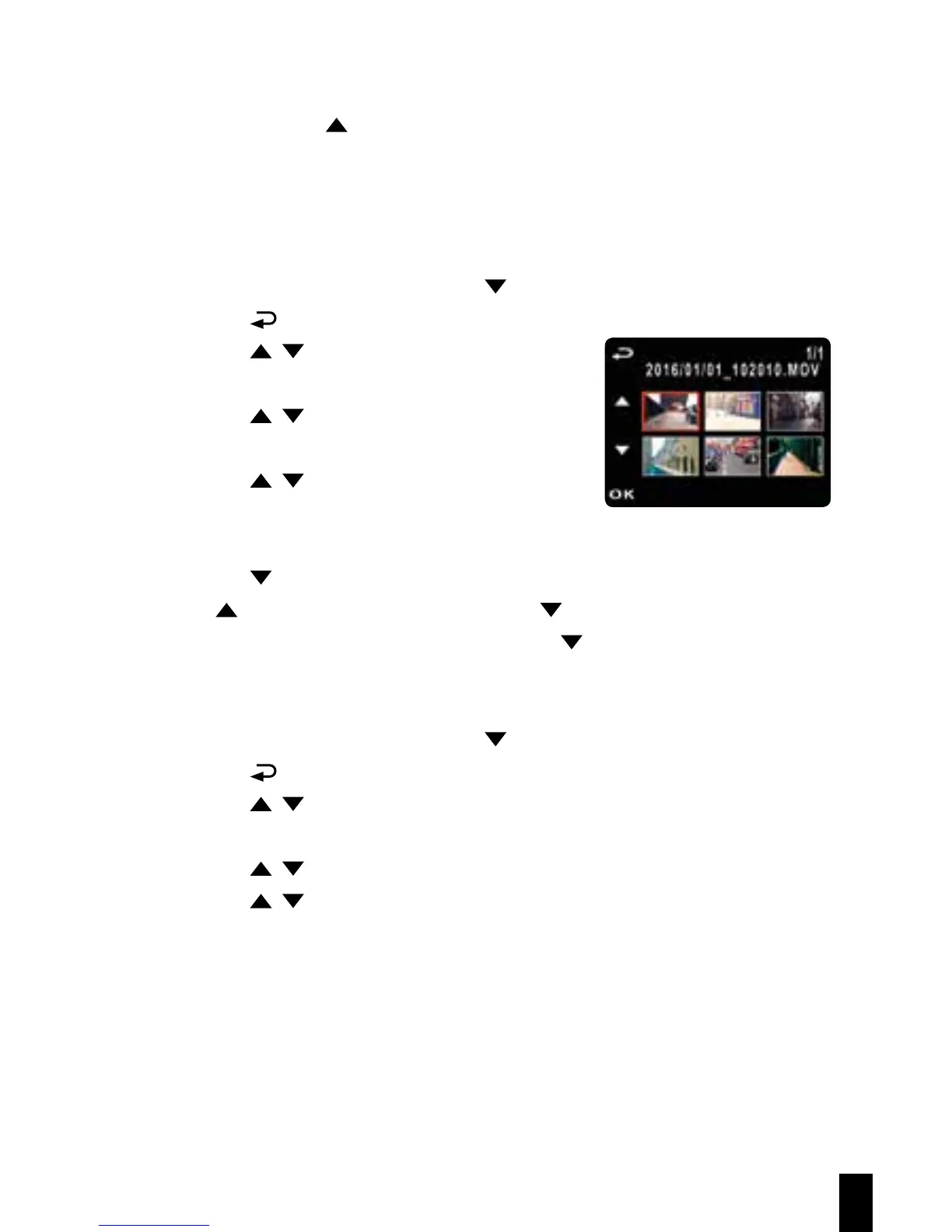
4. Press the / button to view the required
video recording file and then press the OK
button, playback the video.
5. Press the button to stop playback. Press it again to resume playback.
6. Press !up to 4 times fast-forward. Press to resume normal mode.
7. Press OK up to 4 times rewind speed. Press to resume normal mode.
3.2.2 Viewing Photos
If recording is in progress, press the button to stop recording.
1. Press the
button to enter the OSD menu
2. Press the / button, select File Playback, and then press the
OK button.
3. Press the / button, select Picture, and then press the OK button.
4. Press the / to view the required picture files, and then press the
OK button to view the files on full screen.



 To Next Page