EasyManua.ls Logo

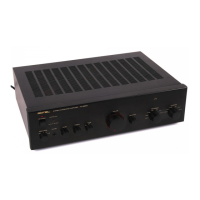
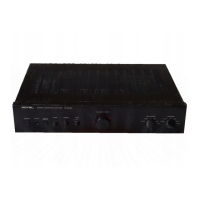
Rotel RA-935BX - Front Panel Controls Overview; Power Button and Indicator

Rotel RA-935BX
5 pages
Print Icon
To Next Page IconTo Next Page
To Previous Page IconTo Previous Page
Loading...
DO
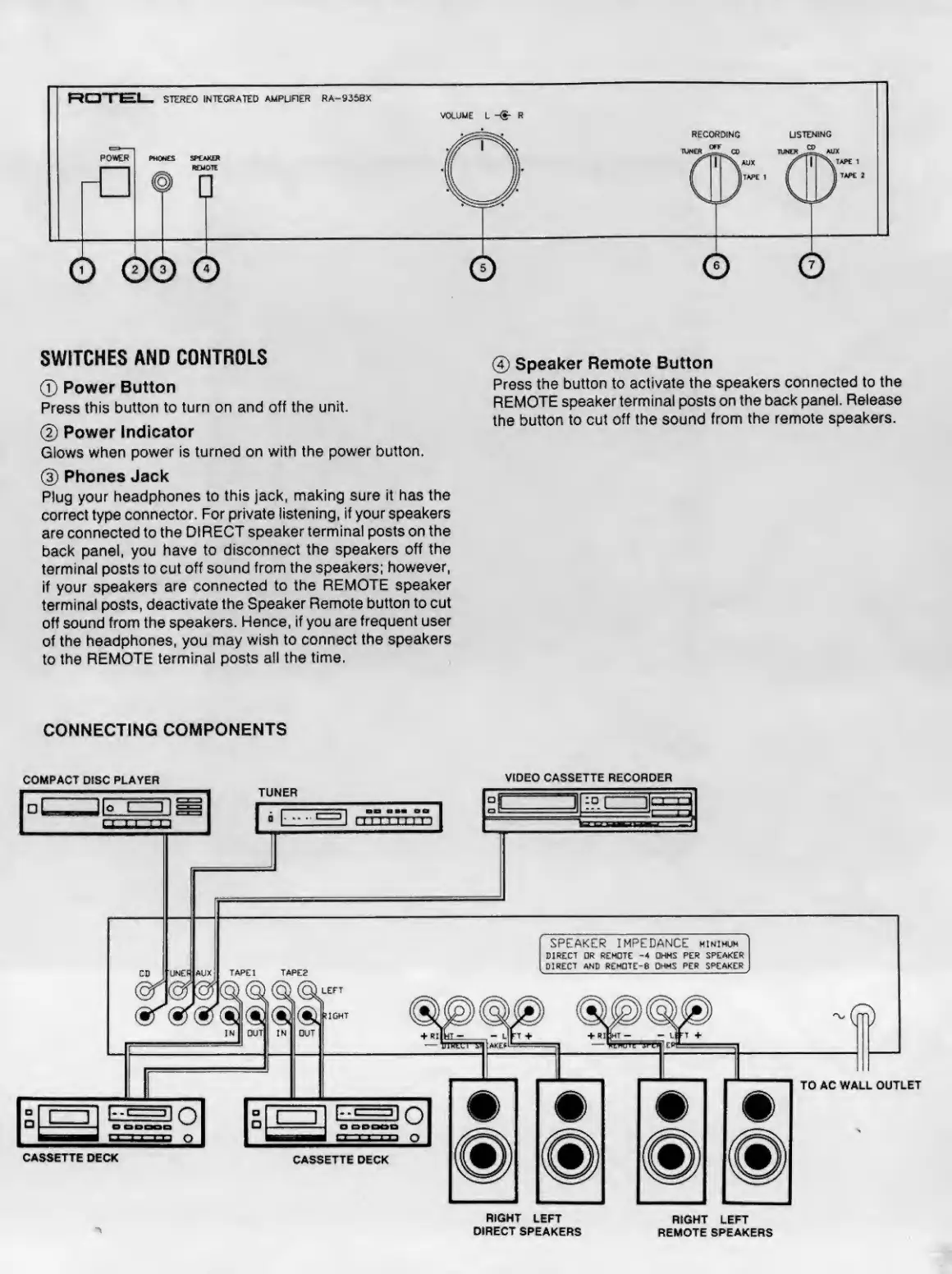
SWITCHES
AND
CONTROLS
0
Speaker
Remote
Button
0
Power
Button
Press
the
button
to
activate
the
speakers
connected
to
the
Press
this
button
to
turn
on
and
off
the
unit.
REMOTE
speaker
terminal
posts
on
the
back
panel.
Release
_
the
button
to
cut
off
the
sound
from
the
remote
speakers.
©
Power
Indicator
Glows
when
power
is
turned
on
with
the
power
button.
(|)
Phones
Jack
Plug
your
headphones
to
this
jack,
making
sure
it
has
the
correct
type
connector.
For
private
listening,
if
your
speakers
are
connected
to
the
DIRECT
speaker
terminal
posts
on
the
back
panel,
you
have
to
disconnect
the
speakers
off
the
terminal
posts
to
cut
off
sound
from
the
speakers;
however,
if
your
speakers
are
connected
to
the
REMOTE
speaker
terminal
posts,
deactivate
the
Speaker
Remote
button
to
cut
off
sound
from
the
speakers.
Hence,
if
you
are
frequent
user
of
the
headphones,
you
may
wish
to
connect
the
speakers
to
the
REMOTE
terminal
posts
all
the
time.
CONNECTING
COMPONENTS
COMPACT
DISC
PLAYER
VIDEO
CASSETTE
RECOROER
RIGHT
LEFT
RIGHT
LEFT
DIRECT
SPEAKERS
REMOTE
SPEAKERS

Other manuals for Rotel RA-935BX

Related product manuals