User Manual - 11/32
3.5 USER SETTINGS
3.5.1 Floor pump > It is possible to turn o the circulation pump, but this will result in no heating/cooling.
Default ON.
3.5.2 Heating > ON – this function enables the user to include/exclude the zone in/from the heating algorithm.
> Schedule settings – this function enables the user to choose the schedule which will apply in a zone (local
schedule, global schedule G-1 to G5) during heating, if the zone operation is based on a schedule.
> Constant temperature – this function enables the user to dene a separate pre-set temperature that will apply in
the zone during heating, if the zone operation is based on a constant temperature.
3.5.3 Cooling > This menu is only visible if cooling is ON (Fitters menu).
> ON – this function enables the user to include/exclude the zone in/from the cooling algorithm.
> Schedule settings – this function enables the user to choose the schedule which will apply in a zone (local
schedule, global schedule G1 to G5) during cooling, if the zone operation is based on a schedule.
> Constant temperature – this function enables the user to dene a separate pre-set temperature that will apply in
the zone during cooling, if the zone operation is based on a constant temperature.
> Humidity protection – this function is used to protect the oor against dewfall (condensation). If the humidity in a
given zone is higher than “Max humidity” value dened in the tter’s menu, cooling will be disabled in this zone
untill the humidity value drops below the pre-dened.
3.5.4 Temperature settings > This function enables the user to dene pre-set temperatures for the three operation modes (Comfort mode,
Economical mode and Holiday mode) locally for the zone.
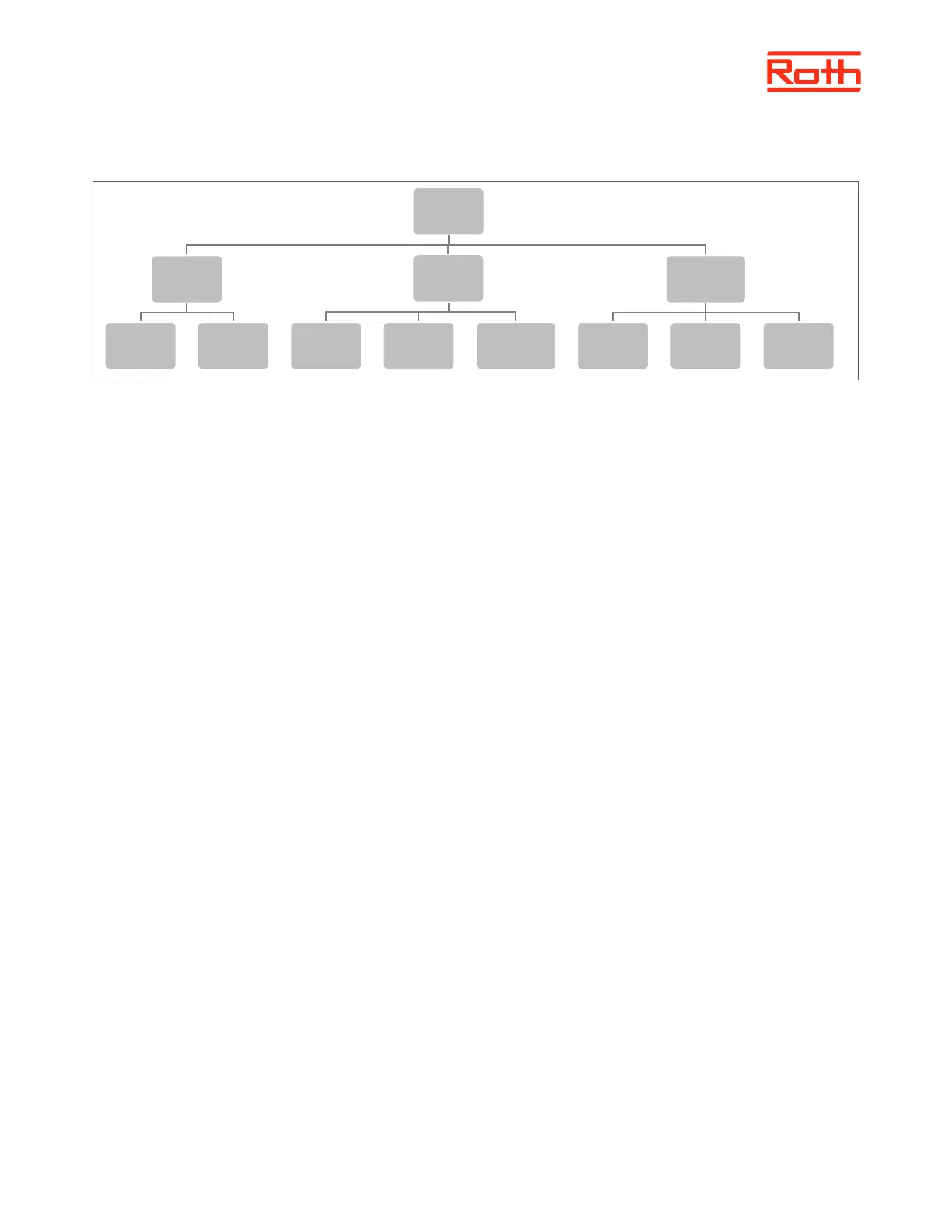
User
settings
Floor pump
On Off
Heating
On
Schedule
settings
Constant
temperature
Temperature
settings
Temp.
comfortable
Economical Holidays



 To Next Page