User Manual - 12/32
4. FLOOR HEATING
4.1 REGISTRATION
You can connect a cable oor sensor directly to the Roth Touchline® SL Standard room thermostat.
In connection with the Roth Touchline® SL Project room thermostat you can also connect a seperate wireless Roth Touchline® SL Project oor
sensor to a zone if needed.
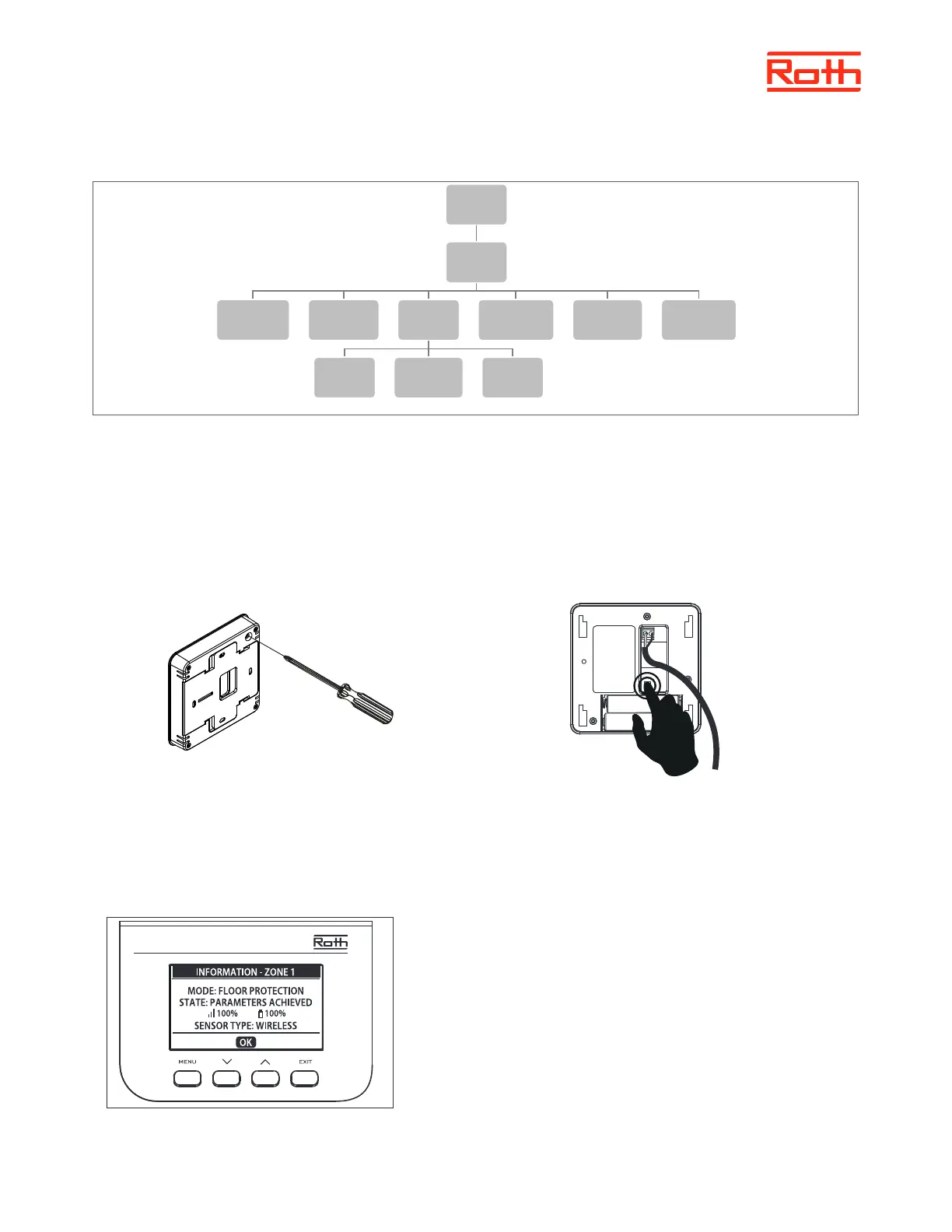
Choose “oor heating” using ▼ – pres MENU. Choose “registration” – pres MENU. Choose YES to register sensor and searching will start. Pres
registration button briey twice, on the back (see pictures below) of the oor sensor and the sensor will be found. Choose OK with MENU to leave
setup.
4.2 INFORMATION
Here you can see the setting and status of the oor sensor.
Zones
1-8
Floor
heating
Registration Information
Operation
mode
Off
Floor
protection
Comfort
Max
temperature
Hysteresis Calibration
Roth Touchline® SL Standard room thermostat Roth Touchline® PL oor sensor
x 2
Touchline® SL Controller 8 ch master



 To Next Page