User Manual - 9/32
IV. CONTROLLER FUNCTIONS
1. MAIN MENU
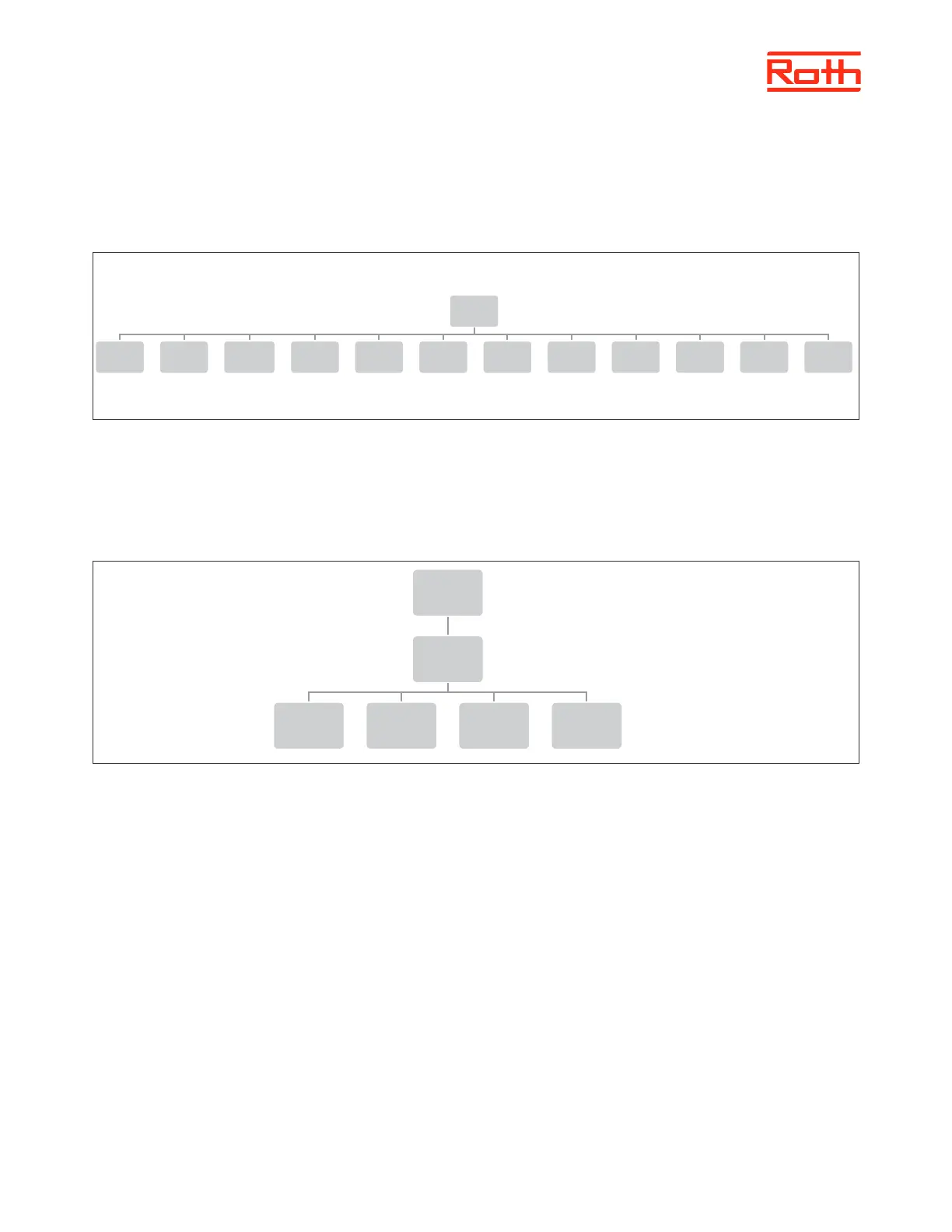
Block diagram – Controller main menu
2. OPERATION GLOBAL SYSTEM MODE MENU
Diagram – Operation global mode menu
This function enables the user to select the operation mode globally for the whole system.
Normal mode is used when you want the pre-set temperature to follow the selected operation mode for each single zone.
Holiday mode is used when you want to lower the temperature globally for all zones for a longer period, for example during your
holiday. Pre-set temperature can be changed in Zones > user settings > temperature settings. Default setting is 10°C.
Economy mode is used when you want to lower the temperature globally for all zones for a shorter period, for example during a
weekend where you are away from home.
Pre-set temperature can be changed in Zones > user settings > temperature settings. Default setting is 18°C.
Comfort mode is used when you want to raise the temperature globally for all zones for a shorter period, for example to overrule
a running timeschedule without having to change it.
Pre-set temperature can be changed in Zones > user settings > temperature settings. Default setting is 24°C.
Menu
Operation
mode
Zones 1 - 8
Additonal
modules
1 - 4
External
sensor
Manual
mode
Control
panel
Time
settings
Screen
settings
Language
version
Fitter's
menu
Service
menu
Software
version
Menu
Operation
mode
Normal
mode
Holiday
mode
ECO
mode
Comfort
mode



 To Next Page