5/10
> 5 seconds
i
6A
6B
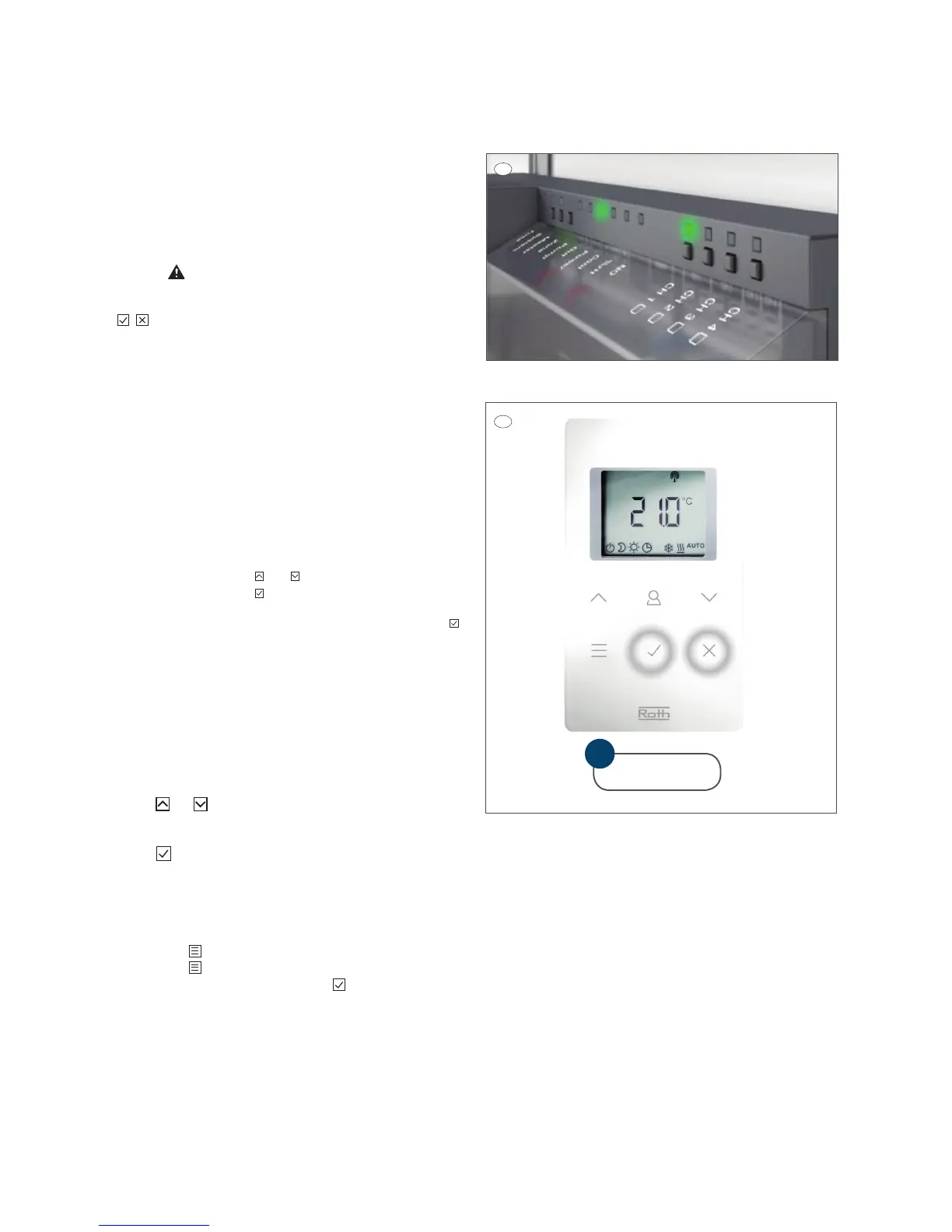
6. Pairing a Touchline room thermostat with the control device
6.A: Briey press the preferred channel or several channels that
you want to pair with the Touchline room thermostat. The channel
now ashes continuously and is ready for pairing.
The Touchline room thermostat is now ready for pairing and
displays:
6.B: To pair the Touchline room thermostat, hold the sensor button
down for approx. 5 seconds until the room thermostat
shows (PAIR). When you see this, release the sensor buttons.
+
7. Setting the time and date
Setting the time and date is necessary so that the system works
correctly.
The system automatically asks you to set the time and date when
you pair the rst wireless room thermostat with a wireless control
device. If you skip this procedure, it will be repeated the next time
you pair a wireless room thermostat.
When connecting the Touchline controllers to your LAN internet
connection, the time and date in the thermostats will auto adjust.
› The hour value ashes
› Press the sensor button or to set the actual timer value
› Press the sensor button to conrm. The hour value ashes.
› Set minutes, year, month and day as described for the timer
› When the time and date has been set, press the sensor button .
The display shows active display
8. Setting the comfort temperature
The thermostat goes to sleep aer 10 seconds without being
touched. Press and hold down any key for 5 seconds to wake it
up.
Setting the room temperature
› Press or to change the setpoint, i.e. the preferred room
temperature.
› Press to conrm the new setpoint. The new setpoint is saved
automatically aer 5 seconds if you do not conrm it.



 To Next Page