4
5
6
7
8
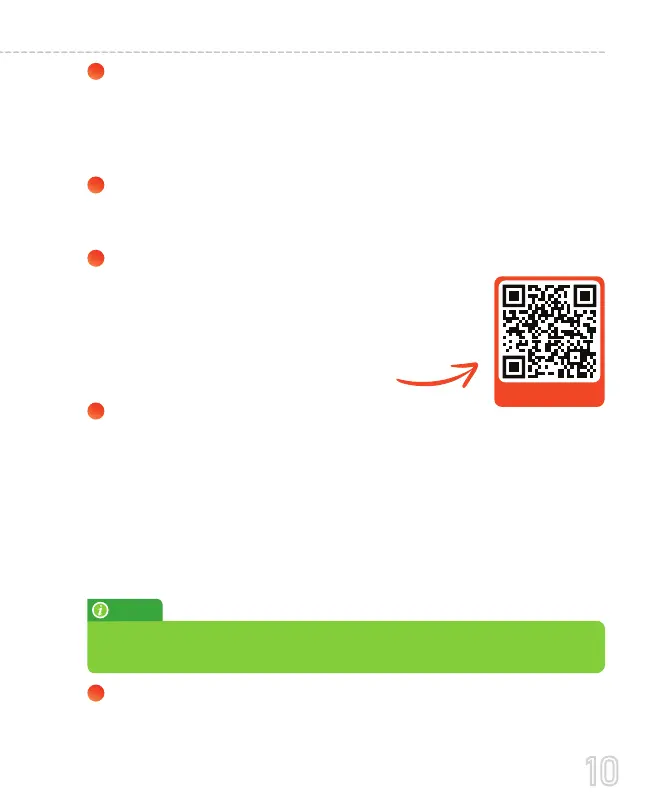
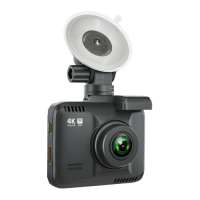
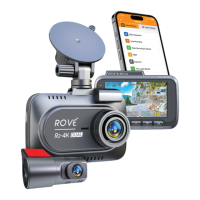
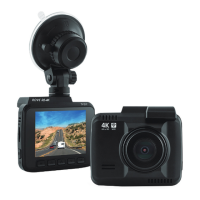
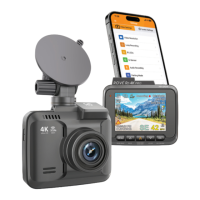
ROVE R2-4K Pro Car dash cam is programmed to turn ON
and START RECORDING automatically when it receives
power, and STOPS RECORDING, save the last video file, and
turns OFF automatically when power gets disconnected
within 1-2 seconds. (i.e., when you start /turn off your car)
Setting Date & Time: Please set the correct date and time
Based on your location under the TIME ZONE SETTING by
going to the camera’s system settings menu.
(See page 31 for details)
How to hide the power cable inside your car’s dashboard?
How to transfer videos to PC/MAC?
Insert memory cards directly into your PC/MAC to view or
download them.
You can also connect your camera to your PC/MAC with the
included short Type-C USB data cable. Then Select Connect as
a Flash Drive.
We recommend VLC Media Player to view your videos. You can
get it free at www.videolan.org
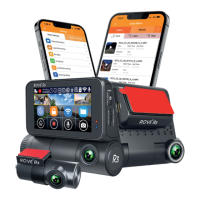
Wi-Fi: You can also connect ROVE R2-4K PRO Car Dashcam
to your smartphone directly by using the built-in Wi-Fi
feature. (See Page 33)
Scan to visit the link
https://youtu.be/xwD8Ilk-MHU
Many people on YouTube already demonstrated
how and where to hide the power cable inside
your car. You can view one of the possible ways
on the link, this video is NOT recorded by us.
NOTE
10
USER MANUAL


 To Next Page