UNDERSTANDING 3 – CAMERA MODES
1.
VIDEO MODE
2.
PHOTO MODE
3.
PLAYBACK MODE
TO SWIT
ROVE R2-4K PRO has 3 different camera modes:
Press & Hold “M button for 2-seconds.
Press OKbutton to Start/Stop video recording manually.
Press Pw button Once to take a snapshot.
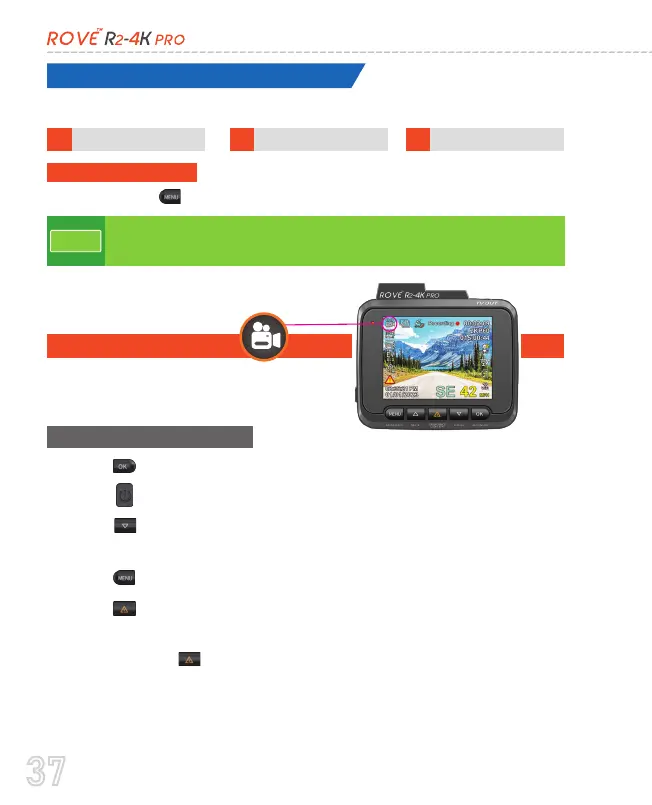
Video mode lets you record live videos and
store them on the installed Micro SD card.
•
•
•
•
•
•
Press MEbutton to enter Video Setting.
Press & Hold “ ” to turn ON/OFF WiFi.
Press DO button to Turn Off/On LCD. (Camera still stays ON
if you use this button - Red LED indicates camera is still ON)
Press ” while video is being recorded to manually lock the
video, so it will not get deleted by loop cycle function.
1. VIDE
•
Each Mode has their own separated Menu settings.
•
System Settings are common between all three Modes.
NOTE
37



 To Next Page