UNDERSTANDING CAMERA SETTINGS
Short press Me Key to enter the setting interface after power on.
In this case, the video recording will be stopped and you get the
Settings Menu.
Attention: To EXIT the Settings Menu, Press the M button to go back.
VIDEO SETTINGS
VIDEO RESOLUTION
You can choose the video resolution you like. Higher-resolution
videos will take up more storage space.
This is approximate but close, give or take a few mins depending
on the memory card. The lower the resolution, the more it will
hold, and the higher the resolution, the less it will hold.
4K 3840x2160 @30FPS
2K 2560x1440 @30FPS & 60FPS
1080P 1920x1080 @30FPS
1080P 1920x1080 @60FPS
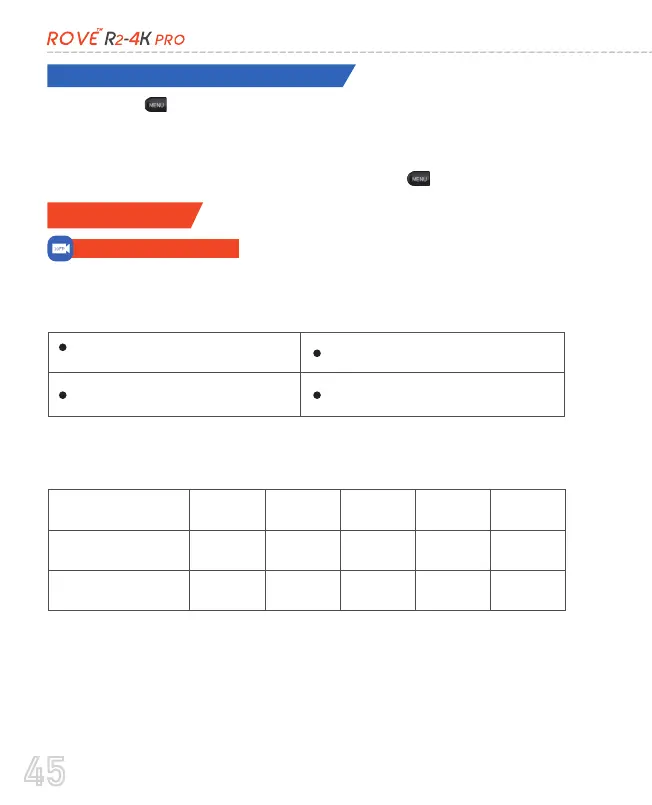
Below are the estimations of how much time is stored on the
memory card in the loop feature:
Resolution
2160p @ 30fps
3 hrs
30 mins
4 hrs
30 mins
5 hrs
20 mins
9 hrs
27 mins
7 hrs
30 mins
18 hrs
14 hrs
20 mins
35 hrs
29 hrs
71 hrs
1080p @ 60fps
(Default)
32GB 64GB 128GB 256GB 512GB
(NOTE: Support with only H.265 Video Compression)
45



 To Next Page