EasyManua.ls Logo

ROVE R2-4K PRO - Time-Zone Se�Ng

ROVE R2-4K PRO
79 pages
Print Icon
To Next Page IconTo Next Page
To Previous Page IconTo Previous Page
Loading...
1
2


Hawaii
Alaska


Central Time Zone
Eastern Time Zone










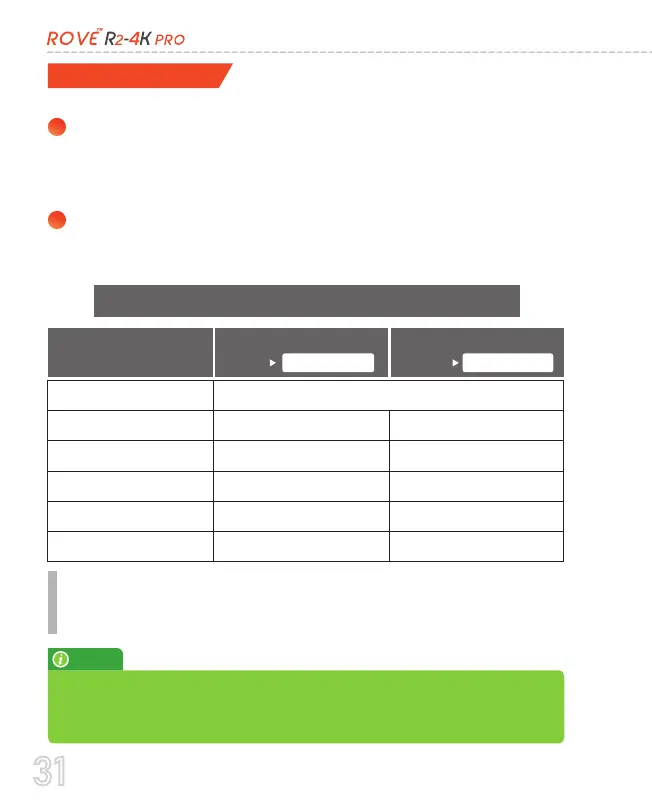
Time Zones
You can choose the date and time of your choice manually, go
to System Settings > Date/Time and select the date and time
of your choice.
You can also set the GMT/UTC time-zone value instead, so the
camera will set the date and time based on the GMT/UTC value
selection when it receives the GPS signal lock automatically.
OR
To set the date & time, choose one of the following options below:


Ends 

Begins 
Go to
https://greenwichmeantime.com/time-zone/abbreviations/
to find out your Correct GMT (Greenwich Mean Time) value
based on your location outside of the USA
          
         

NOTE
31

Related product manuals