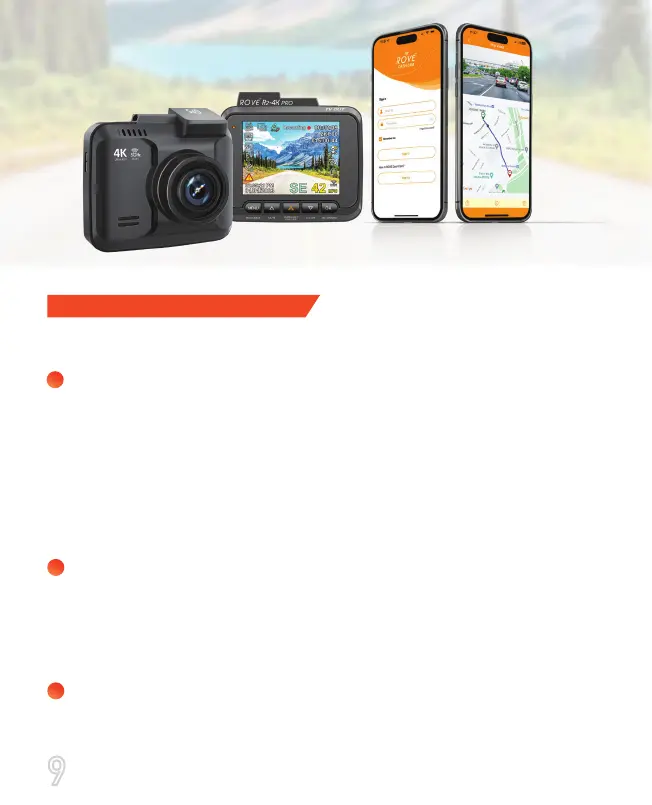
Make sure to always keep the camera plugged into the power
during its operation as ROVE R2-4K Pro uses Supercapacitor
(NOT an internal battery). You can plug the camera into your
home’s 110V outlet during set up. For the power, you can use
your cellphone’s USB charger and included USB Type-C Cable.
Just make sure that the USB charger has a 5V, 1.5 AMP
power output (Max 3.1 AMP), otherwise, the camera will not
work properly.
You will need to insert a memory card before you can start
recording. Please insert only a brand name Class-10, U3, or
higher speed Micro-SD card up to 512 GB max for reliable
operation. (Memory card is NOT included in the packaging)
(We recommend ROVE Ultimate Micro-SD Card up to 512 GB MAX.)
Before first time use, you MUST format the memory card in
the camera to prevent any errors and for smooth operation.
(See Page 30)
OUT OF THE BOX INSTRUCTIONS
Geing Started
1
2
3
Please read and understand warnings & safety instructions
before operating.
9



 To Next Page