•
•
•
•
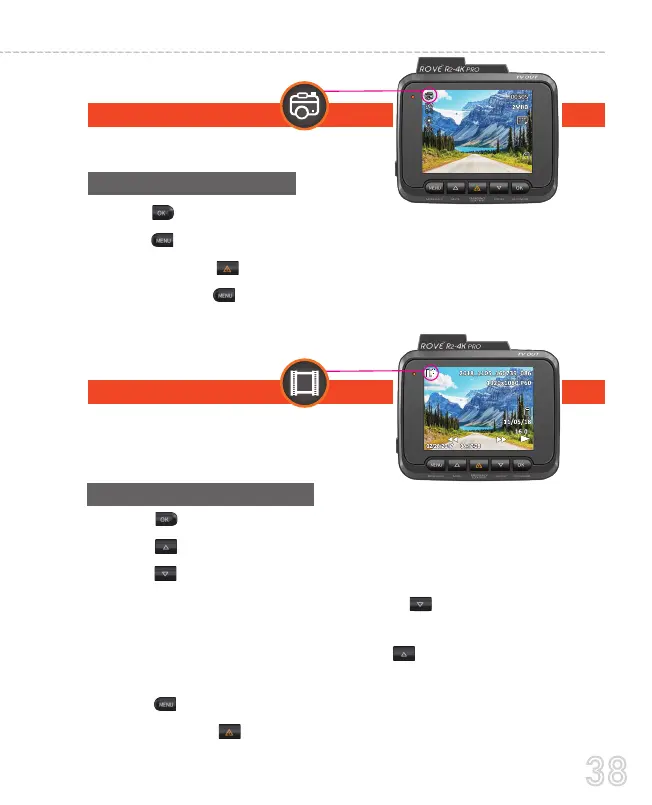
Press O button to take a snapshot
Press MEbutton to enter Photo Mode’s Menu Settings
Press & Hold “ ” to turn ON/OFF WiFi
Press & Hold button to switch to the Playback Mode
•
•
•
•
•
•
•
Playback mode lets you play your Video
file or photos. It can even let you delete
or lock any videos while viewing it.
Press 0K button to Play/Pause Video.
Press 0K button to scroll to Previous ( < ) video file.
Press 0K button to scroll to Next ( > ) video file.
While Video is being played, press 0K button to FF Video
playback up to 8x.
While Video is being played, Press U button to REVERSE FF
Video playback up to -8x.
Press Me button to enter Playback Setting Menu.
Press & Hold " " to turn ON/OFF WiFi.
Photo mode lets you take a snapshot.
38
USER MANUAL



 To Next Page