SCREEN SAVER
Live Video Always ON: This will keep the video LCD ON all the time.
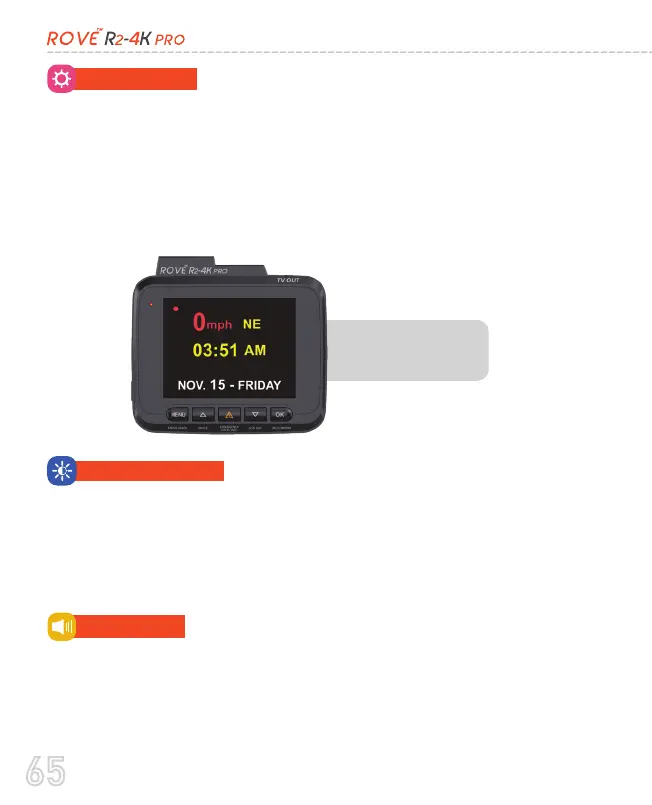
Screen Saver ON After 1-Min: This will turn ON the screen saver as
shown in the photo below after 1-min if NO button is pressed.
LCD OFF After 1-Min: This will only turn OFF the LCD after 1-min if
NO button is pressed (NOTE only the LCD Will turn OFF, the camera
still be operational)
SCREEN SAVER
This menu will allow you to set the screen brightness.
SCREEN BRIGHTNESS
•
High (Default)
•
Medium
•
Low (Recommended to Prevent Heating)
BEEP SOUND
•
OFF
•
ON (Default)
This feature allows you to turn ON/OFF camera button’s beep
sound & any voice confirmation.
65



 To Next Page