CD and Radio Digital Audio
9
If the player is switched off while a CD is
playing, switching the player back on will
cause the CD to resume playing at the
last track and position that was selected
when the player was switched off.
If the player is switched to radio mode
while a CD is playing, pressing the ’CD’
button (3) will cause the CD to resume
playing at the last track and position that
was selected when radio mode was
selected.
At the end of each disc, playback
automatically continues with the first
track of the disc.
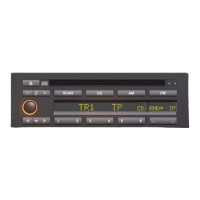
12. CD eject button
Push the button fully in to eject the CD
halfway out of the CD compartment.
Remove the CD.
NOTE: If the CD is not removed from the
compartment within 6 seconds of the CD
being ejected, the player will
automatically reload the CD.


 To Next Page