CD and Radio Digital Audio
3
Speed volume: Pressing the tone control
five times (centre button) will invoke a
speed volume display, adjustment of this
setting will not have any effect to the
tone control or unit performance.
NOTE: Each tone control setting will be
memorised and normal operation will be
resumed if no further adjustments to tone
control are received within a five second
period. Reselection of the centre tone
control button within the five second
period will invoke the next tone control
display and enable adjustment of that
function.
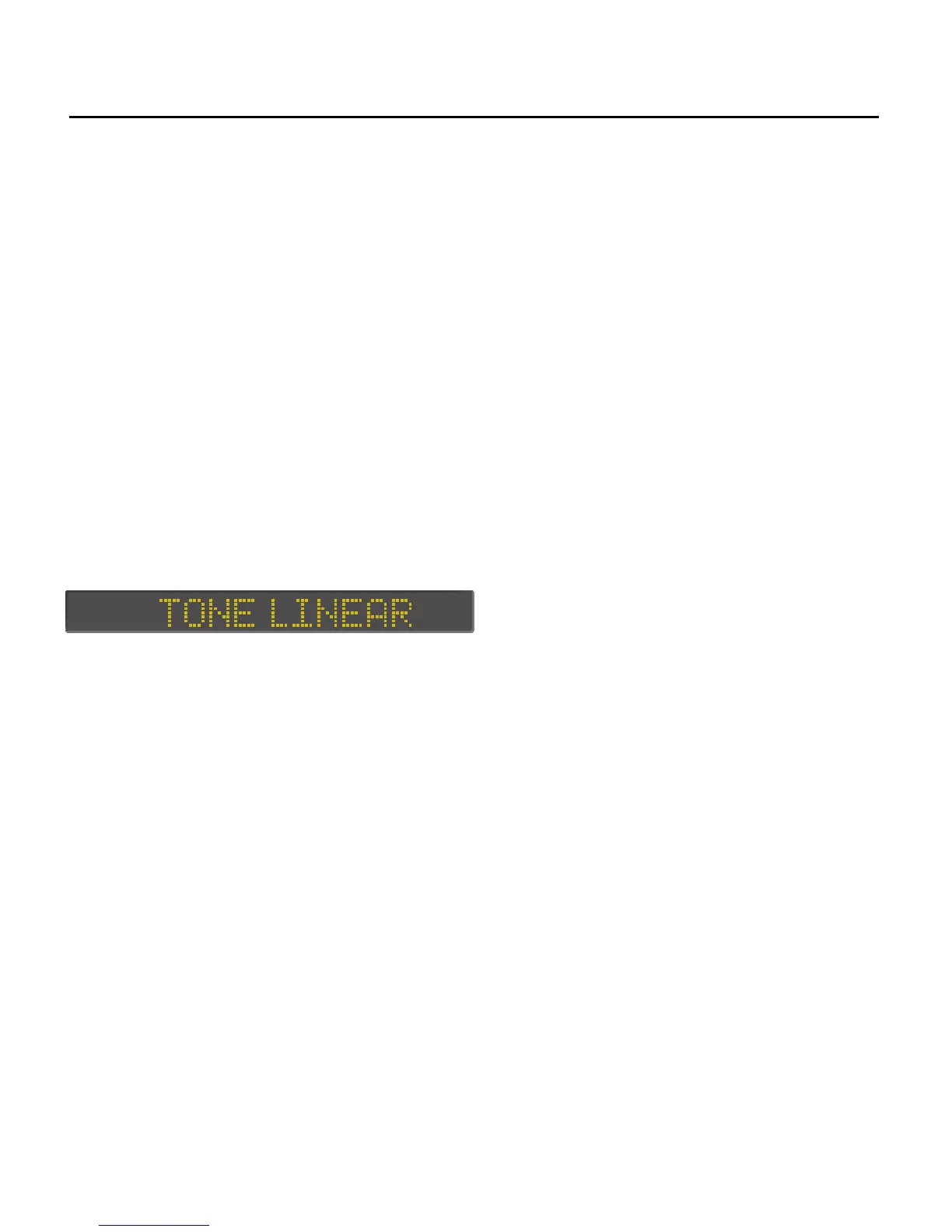
Tone linear: Pressing the centre tone
control button for longer than 2 seconds
will automatically set all tone control
settings to their midpoint levels. The
display will show:
The ’Tone linear’ display will time out
after five seconds.


 To Next Page