21
DETERMINING A SHIPPING RATE ON THE SCALE (continued)
9) Press enter or press the clear key to return to selecting the service.
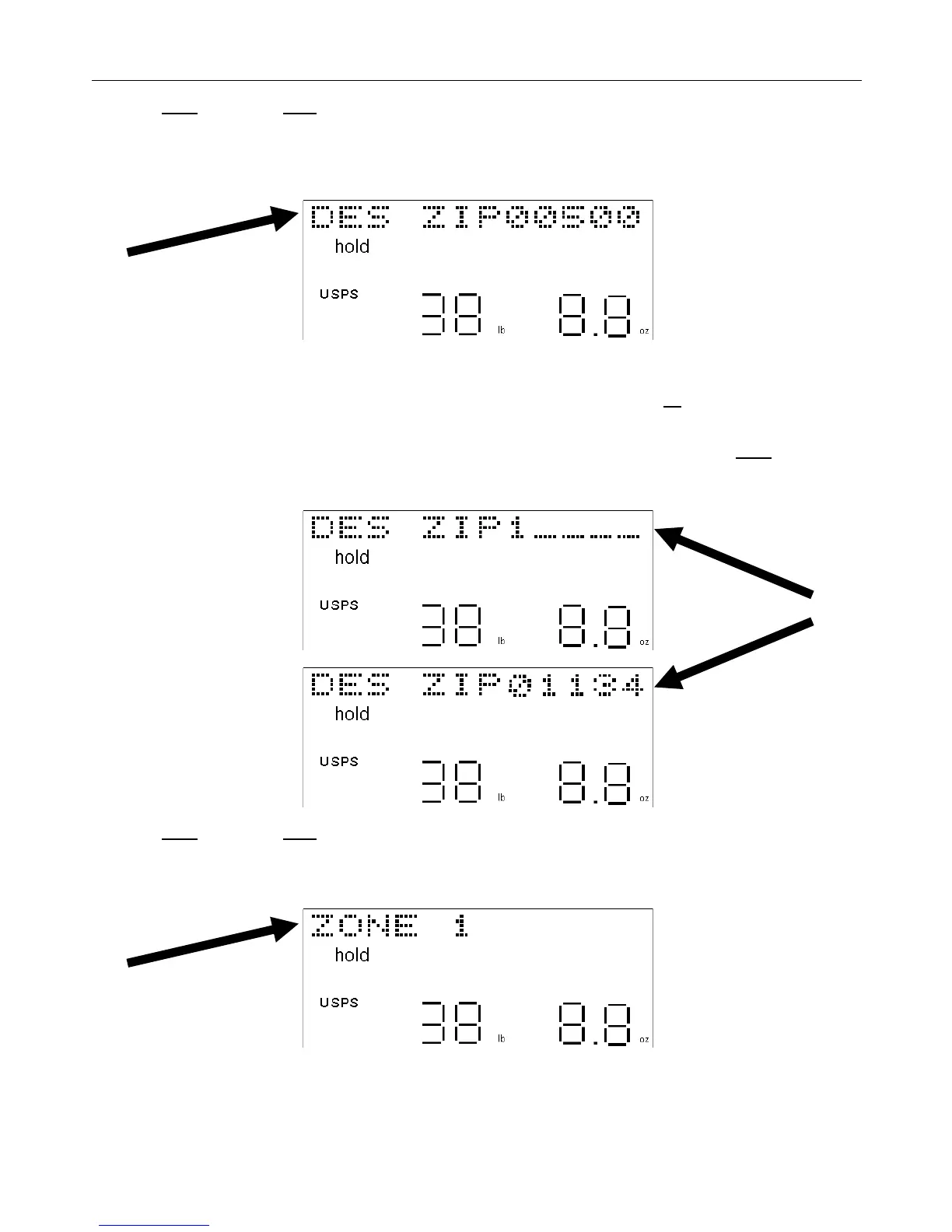
Next, the scale will ask for the destination or ship-to zip code. The display will show “DES ZIPxxxxx” (xxxxx
represents the last destination zip code entered in the scale since the scale was turned-on, or the default zip code set
in the scale during the last PC download).
10) Enter the 5-digit destination (ship-to) zip code.
• If an error was made or a number in the zip code needs to be changed, press the up arrow key to backspace to
that number and re-enter the correct number.
• If the default destination zip code, which appears on the display, is correct, then just press the enter key one time
and skip Step #11. There is no need to re-enter that zip code.
11) Press enter or press the clear key to return to the origin zip code screen.
The display will show “ZONE xxx” for one second (xxx is the zone number for the selected carrier and service based
on the specific origin and destination zip codes provided).


 To Next Page