SECURITY CAMERA User Manual
WWW.RSRTENG.COM Page.115.
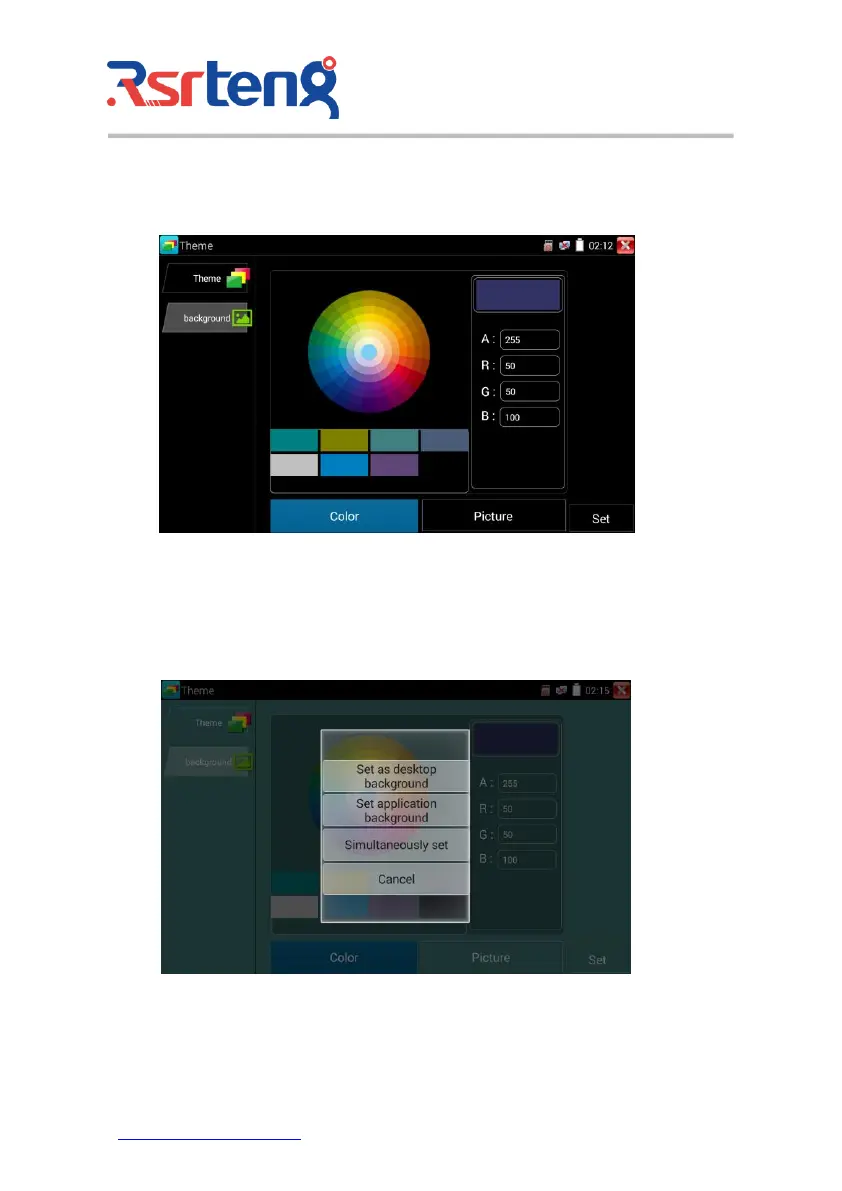
Color
When set background color, you can select colors from Color Phase, and also can input color's RGB to
set.
After finished color setting, click "set" to set it as desktop or application background.
Set as desktop background: Setting color as desktop background.
Set as application background: Set color as application background.



 To Next Page