SECURITY CAMERA User Manual
WWW.RSRTENG.COM Page.65.
Application:
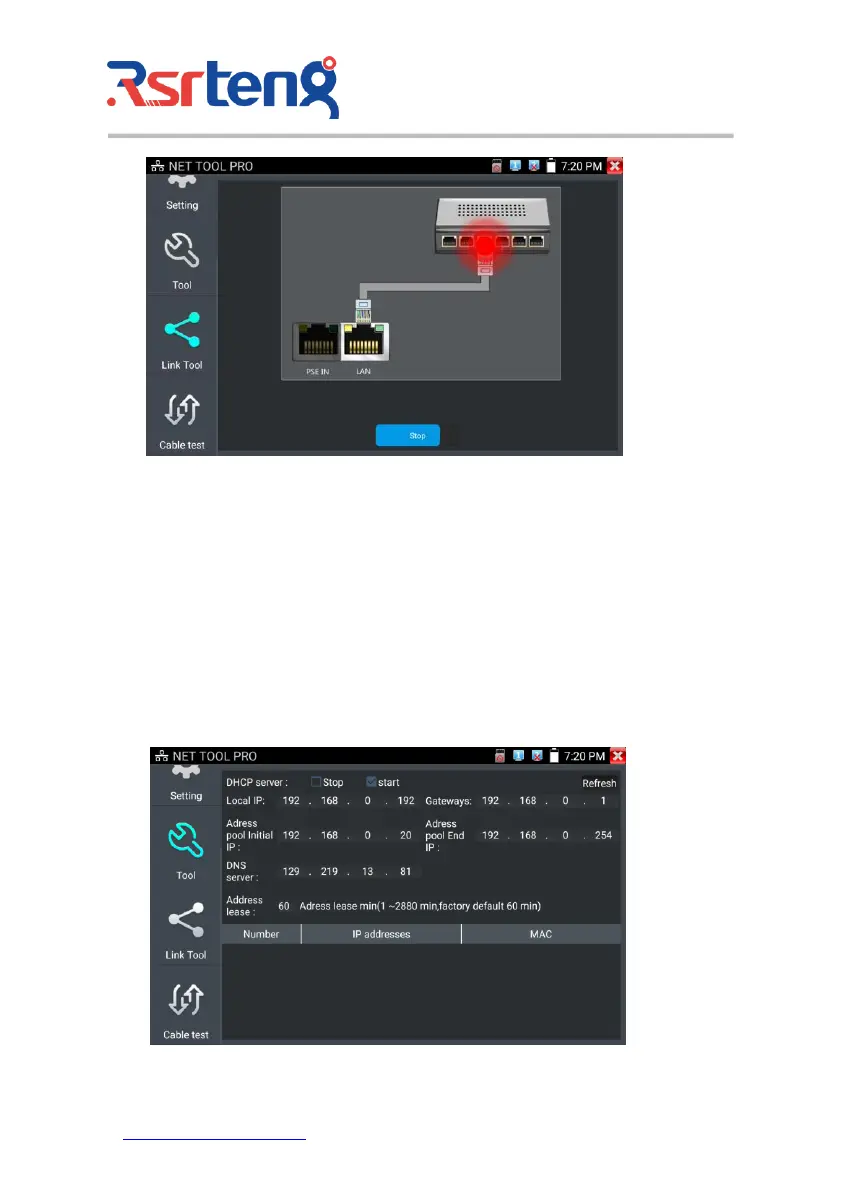
The tester will send special signals to make the connected LAN port flicker at special frequency, which
will enable the installers to easily and quickly find the connected Ethernet cable. This function can
prevent mistakenly insertion or disconnection non-corresponding cable to artificially interrupt network
connection.
(5)DHCP server
Click on the DHCP icon to open the DHCP server app. Select the "Start" check box at the top and make
any desired changes to the network settings. Click "Save" to start assigning dynamic IP addresses for
IP cameras and other networked devices. Click the "Refresh" button to check your Client list.



 To Next Page